iGo map Operation
To search for an intersection in the combined
search, enter the names of the streets connect-
ed by the '&' sign. You do not need to use
spaces before and after the separator charac-
ter. For example you can find the intersection
of Collins Street and Douglas Avenue by
entering strings, like "Collins St & Douglas Ave",
"Collins & Douglas", "Col&Doug", etc. The more
precise the input string is, the fewer false
results are expected. If you enter "Collins St&",
you get all the intersections of Collins Street
and you can select the appropriate one from
the result list. one type (for example, Places).
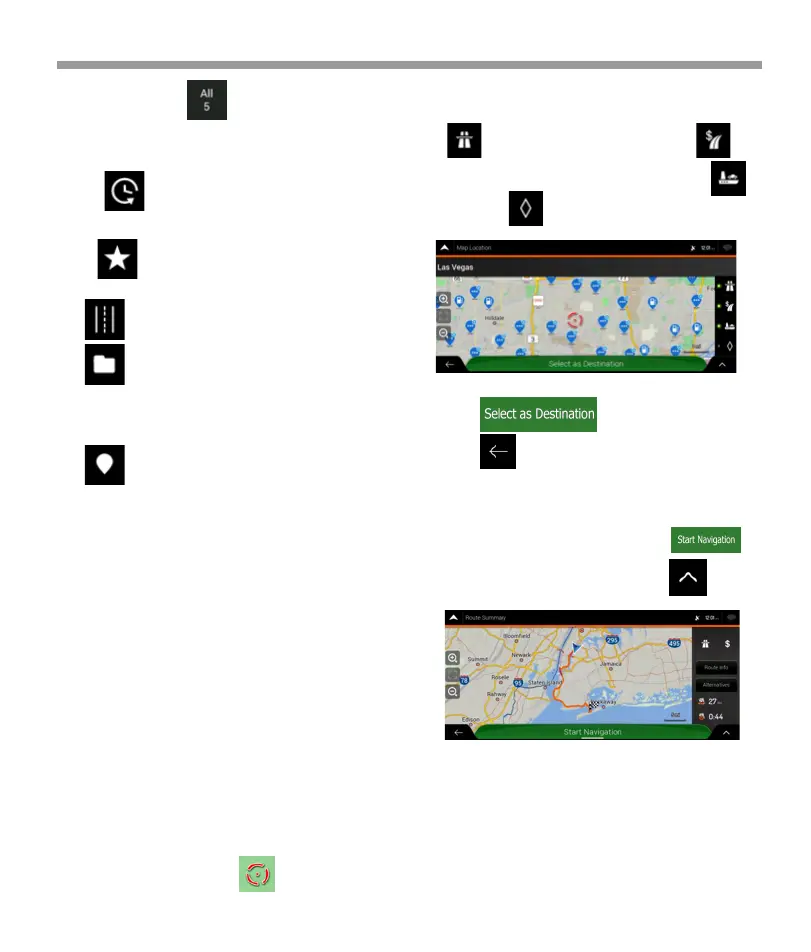
8. Once the destination is selected, a full screen map
appears with the selected point in the middle. If
necessary, tap the map somewhere else to modify
the destination. The cursor ( ) appears in the
new location.
9. Check the settings for road types and change them
if necessary.
10. Tap to confirm the destination,
or tap to select a different destination.
11. The route is calculated and the map appears
showing the entire route, where you can check route
information and route alternatives. Tap to
modify the route parameters, or tap to
start your journey.
Tap to enable or avoid freeways, tap for
roads with Period Charge or Per-use Toll, tap for
ferries, or tap for carpool lanes.
7. If necessary, tap on the right side of the
list and then tap the corresponding button to narrow
the list of search results by type (the number on the
related icon shows the number of the matching
results):
* Tap to see the list of recent destinations
with a matching name or address.
* Tap to see the list of your saved locations
with a matching name.
*Tap to see the list of matching addresses.
*Tap to see the list of matching Place category
names. Scroll the list and select one of the categories.
You get the list of Places in that category ordered by
their distance from your current position.
Tap to see the list of matching Places ordered
by their distance from your current location.
(optional) If your product contains Places from
different data providers, you can further narrow the
list by showing the results from one provider only.
Look for the provider logos.
Tap one of them to see Places from that provider.
Note:
39


 To Next Page
 Loading...