iGo map Operation
Change the voice guidance
language, set the time zone, the
measurement units, the time and
date formats, and customize the
application for your local
language.
Turn the automatic trip log saving
on or off and check the current
size of the trip database.
Modify the basic software parame-
ters set during the initial set-up
process.
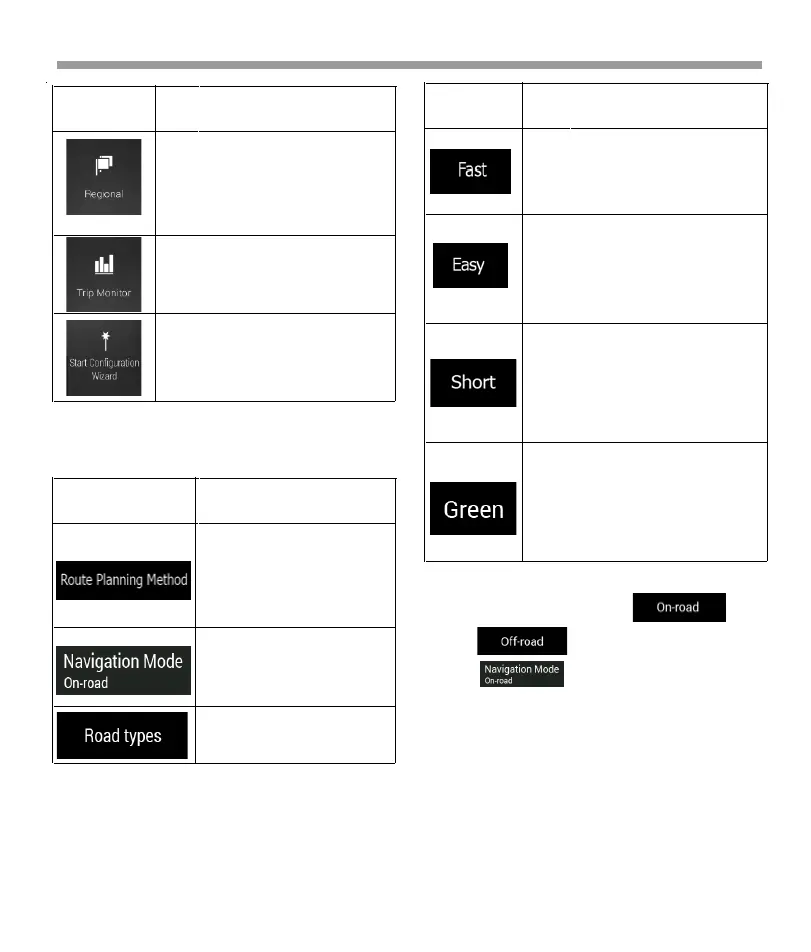
Button Function
You can switch between on-road and
off-road navigation by
tapping and selecting .
4.3.1 Route preferences settings
The following settings determine how routes are
calculated:
4.3.1.2 Navigation Mode
4.3.1.1 Route Planning Method types
You can select from the following route planning
method types:
4.3.1.3 Road types
To let the route fit your needs, you can also set which
road types are to be considered for or to be excluded
from the route. Excluding a road type is a preference.
It does not necessarily mean total prohibition. If your
destination can only be accessed using some of the
excluded road types, they are used only as much as
necessary.
In this case, a warning icon is shown on the Route
information screen, and the part of the route not
matching your preference is displayed in a different
color on the map. The following road types are
available:
Optimize the route calcula-
tion for different situations
and vehicle types by
changing the planning
method.
Select on-road or off-road
navigation.
Select your preferred road
types for the route.
Button Function
Gives a quick route if you can
travel at or near the speed limit on
all roads. Usually, the best
selection for fast and normal cars.
Results in a route with fewer turns
and no difficult maneuvers. With
this option, you can make Epsilon
Linux device take, for example, the
freeway instead of a series of smaller
roads or streets.
Gives a short route to minimize
the travel distance. It can be
optimal for slow vehicles. Search-
ing for a short route regardless of
the speed, this route type is rarely
optimal for normal vehicles.
Gives a quick but fuel-efficient
route based on the fuel consump-
tion data. Travel cost and CO
2
emission calculations are estima-
tions only. They cannot take
elevations, curves and traffic
conditions into consideration.
Button Function
68


 To Next Page
 Loading...