iGo map Operation
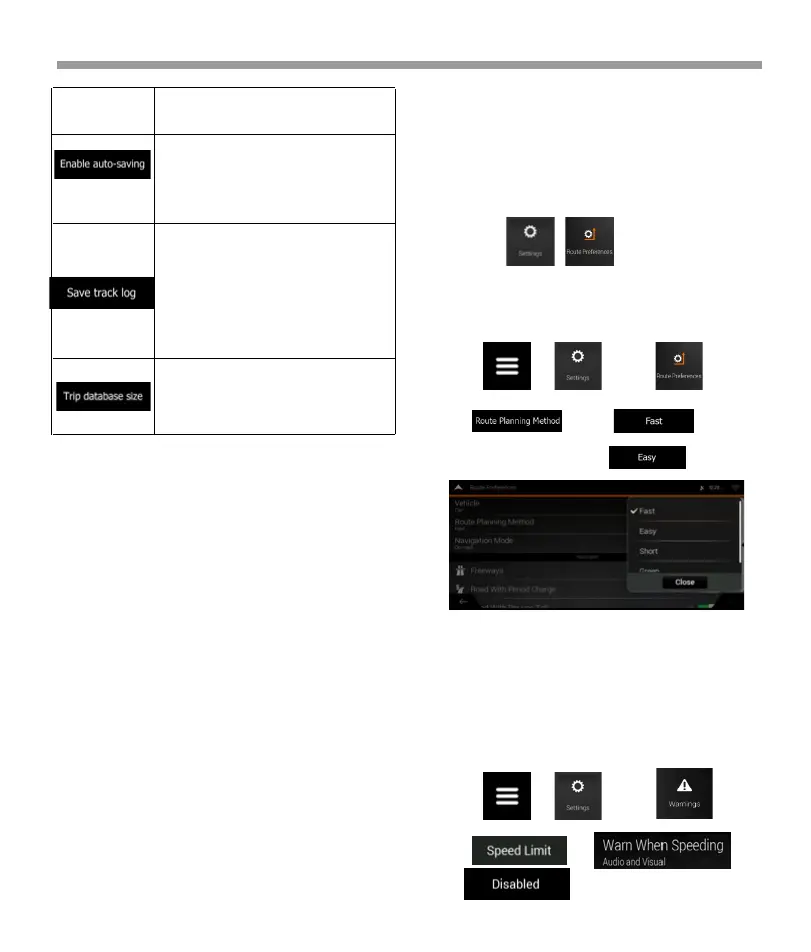
Trip monitor can record statistical
data of your trips. If you need
these logs later, you can let the
application save them automati-
cally for you.
Track logs, the sequence of the
positions given by the GPS
receiver, can be saved together
with trip logs. They can later be
displayed on the map. You can let
the application save track logs
whenever it saves a trip.
This is not a button. This line shows
the current size of the trip
database, the sum of all trip and
track logs saved.
Button Decription
5 Troubleshooting
This section offers possible solutions to issues that may
occur during the operation of Epsilon Linux device.
5.1 GPS signal cannot be received Issue:
The current location is not available, because GPS signal
cannot be received.
Cause 1: GPS signal is weak or may not be available if
you are between tall buildings, in garages or tunnels as
the signal weakens or distorts as it travels through solid
material.
Solution 1: Go to a place where there is a clear sight of
the sky or at least a bigger part of the sky is visible.
Cause 2: It may take several minutes to receive GPS
signals when first using Epsilon Linux device, or when
your last known position is farther away from your
current position.
Solution 2: Wait a few minutes for the GPS signal.
5.2 Address cannot be found Issue:
V2 cannot find the address you entered.
Cause: The digital map data may not include every
single address.
Solution 1: If the house number is not known or V2
cannot find it, select only the street name. This way, V2
will navigate you to the midpoint of the street, where
you can find the exact address more easily.
Solution 2: Search for another address that is close to
the destination.
Solution 3: Search for the coordinates or a nearby Place
of Interest.
Cause: In , the route planning
method is not set to the optimal parameter.
1: Tap , , and .
2. Tap and select your
preferred route, for example .
Solution: Select your preferred route planning method
by performing the following steps:
5.3 The calculated route is not optimal Issue:
The planned route is too long or includes several minor
roads.
5.4 Disabling the speed limit warning Issue:
The speed limit warning is signalling even when the
actual speed limit is kept.
Cause: The speed limit in the digital map data might
differ from the actual speed limit of your current
location.
Solution: Disable the speed warning by performing the
following steps:
1: Tap , , and .
2. Tap ,
and .
73


 To Next Page
 Loading...