23
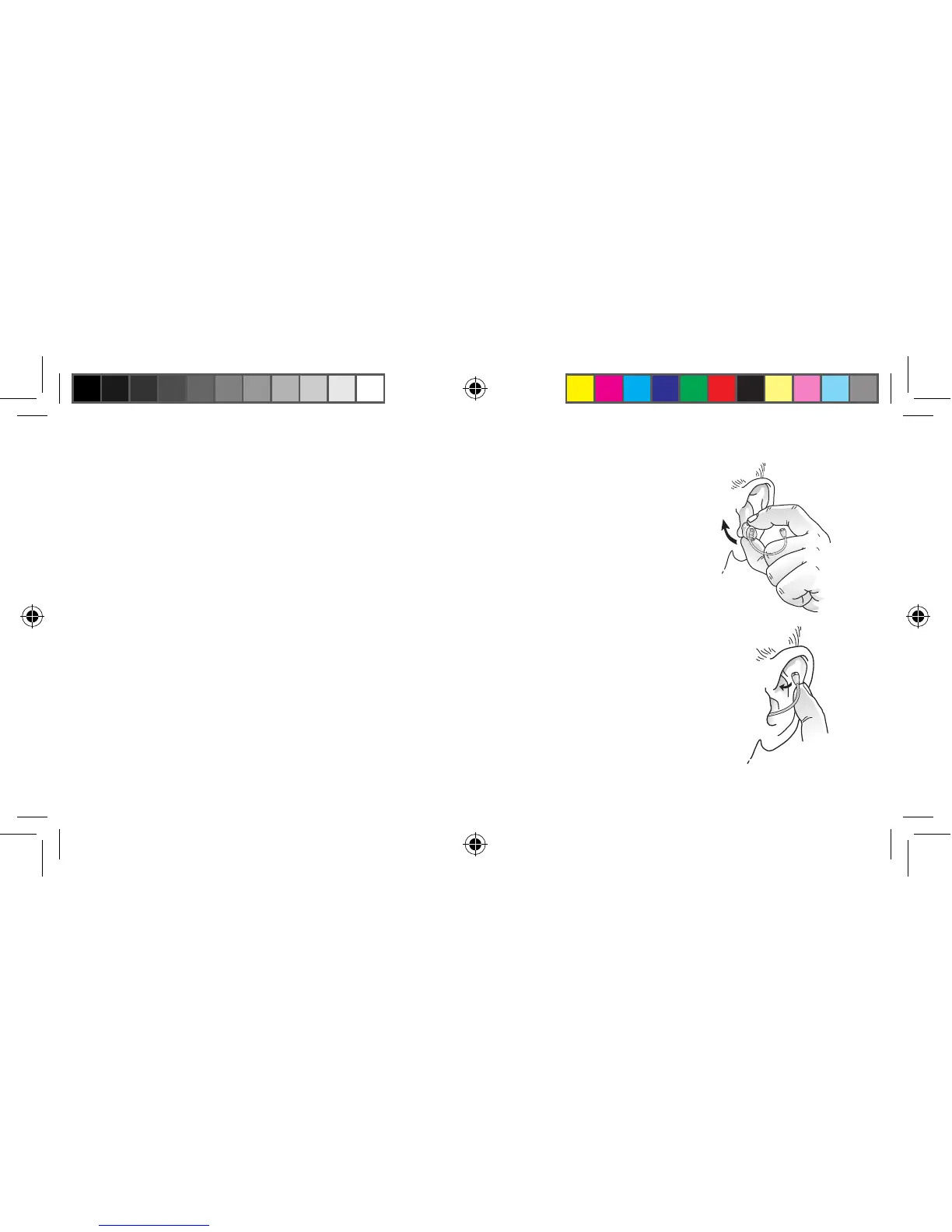
3. Insert the hearing instrument into your ear canal. Opening and closing your
mouth may ease insertion.
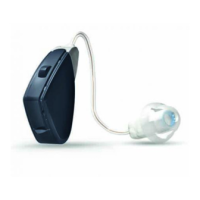
4. Gently push the microphone into the creased area of the ear that is located
above the microphone entrance, and make sure the tubing is in place.
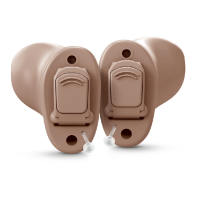
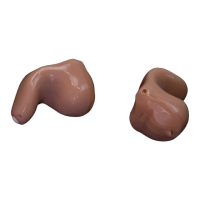
Insertion (CIC, mini-canal, ITC, and ITE)
1. Hold the hearing instrument between your thumb and index finger, either
above and below or on the sides.
2. Place the sound outlet portion into your ear canal. Turn the top part of the
hearing instrument gently backwards and forwards so that it tucks behind
the fold of skin above your ear canal.
3. Insert the hearing instrument into your ear canal. Opening and closing your
mouth may ease insertion.
17483400-GB-12.02-Rev.H.indd 23 24-02-2012 09:30:28



 To Next Page