29
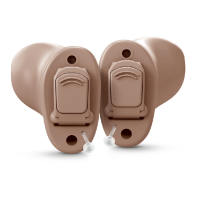
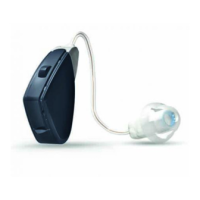
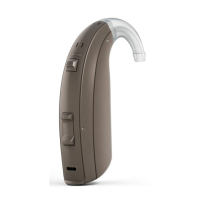
Programme button (Optional)
Depending on your experience level with hearing instruments, individual hearing needs, and the
type of listening environments you experience, your hearing care professional may activate ad-
ditional programmes in the hearing instrument. If additional programmes have been activated,
the following list explains how they work.
1. You can switch between programmes by pushing the push button once.
2. You will then hear one or more beeps. The number of beeps indicates which programme you
have selected (one beep=programme one, two beeps=programme two, etc.).
3. When the hearing instruments are turned off and then back on, the hearing instrument
always returns to the default setting (programme one).
17483400-GB-12.02-Rev.H.indd 29 24-02-2012 09:30:41



 To Next Page