25
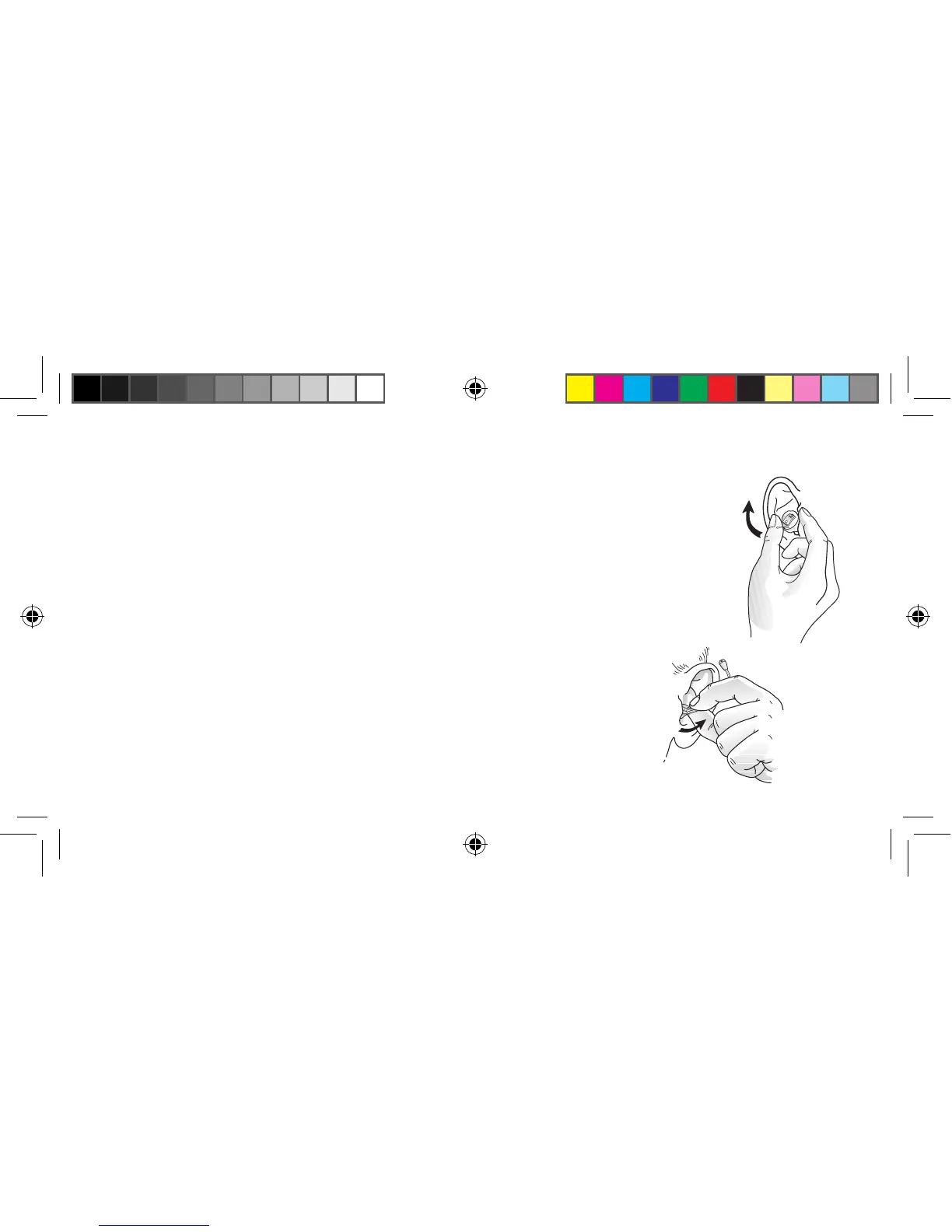
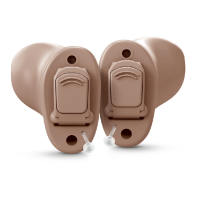
Removal options (CIC, remote microphone, and mini-canal)
1. Hold the removal cord with your thumb and index finger and pull outward.
2. Hold the edges of the hearing instrument with your thumb and forefinger and
pull outward while slightly rotating your hand forward.
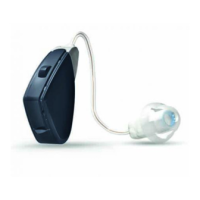
3. If remote microphone hearing instruments do not have a removal cord, gently
pull outward with the microphone tubing.
17483400-GB-12.02-Rev.H.indd 25 24-02-2012 09:30:34



 To Next Page