Using your hearing aids
Turning your hearing aids on and off
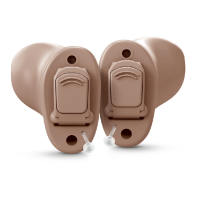
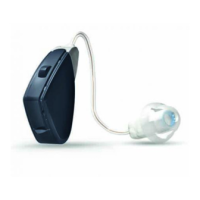
Once you have placed the hearing aids on your ears, you can turn them on.
1. To turn on: Press and hold the button for 5seconds
2. To turn off: Press and hold the button for 5seconds
When the hearing aid turns on, the LEDlights up. When the hearing aid turns off, the LED flashes
3times.
Your hearing aids also turn off automatically when you place them in the charger (Premium charger
only), and they turn on automatically when you remove them from the charger.
Your hearing aids always start on program 1 at the pre-set volume.
Smart Start
Smart Start delays the time before your hearing aid turns on after you remove the hearing aid from the
charger. With this function activated, you will hear a beep for each second of the delay period (this is
either 5 or 10 seconds).
Using your hearing aids 19



 To Next Page
 Loading...