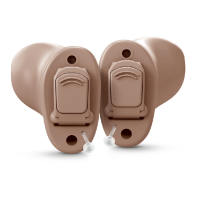
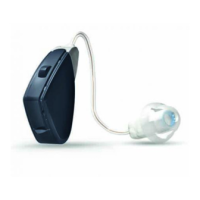
Your hearing care professional can configure your push button so that you also can use it to control the
volume as well as switch between listening programs.
If necessary, your hearing care professional can change the default settings for the push button and fill
in the following table with your new settings:
Action Default setting New setting New setting
Short press Change program
1 sec press Activates streaming
NOTE:
• Some features are configurable during your fitting session. Ask your hearing care
professional about the best settings for you.
• For convenience, you may control your hearing aids from the ReSound Smart 3D™ app or
the ReSound Remote Control 2.
Using your hearing aids 21


 To Next Page
 Loading...