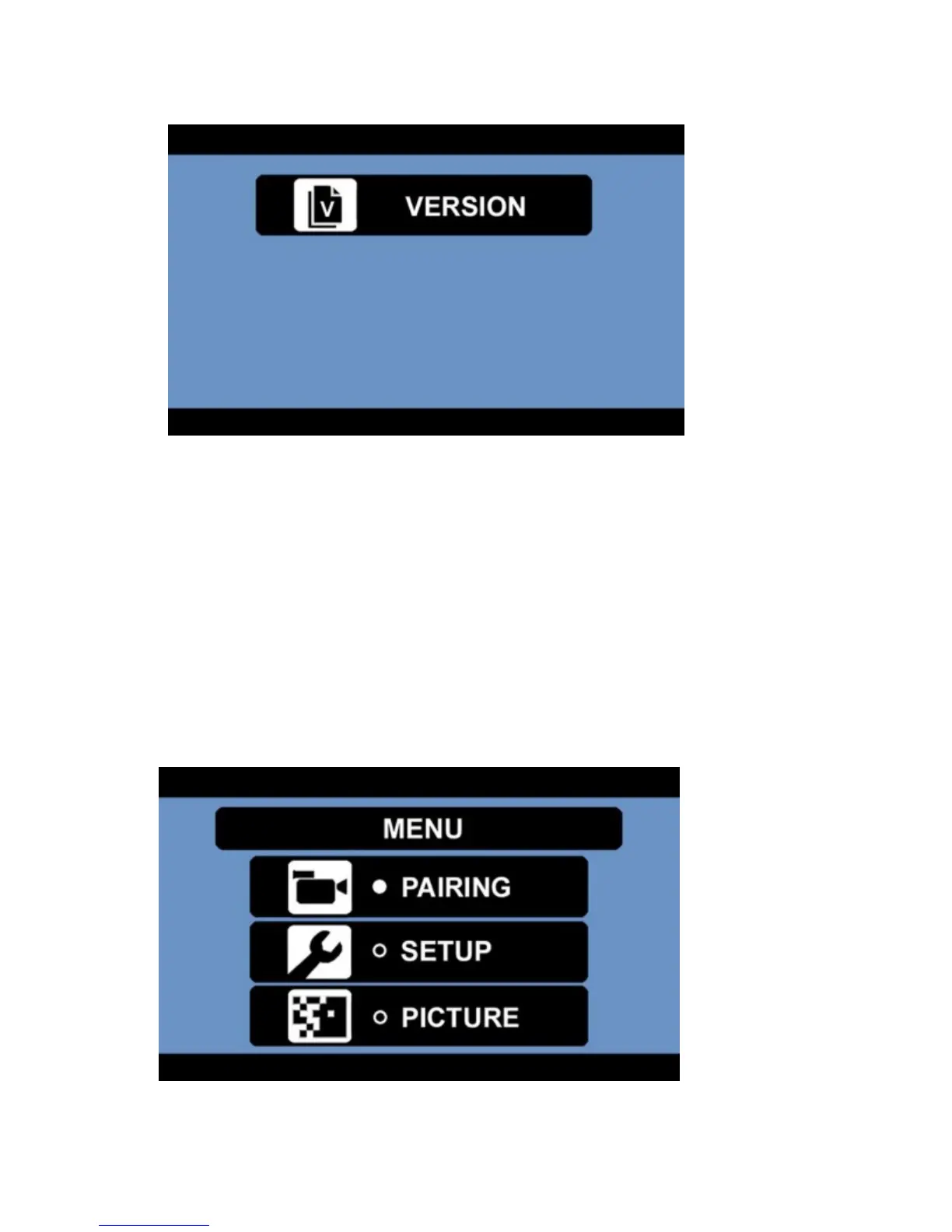
6. Once viewing the version information, press and hold the UP button for 5 seconds.
7. Once this has been done, it will have cleared the channels.
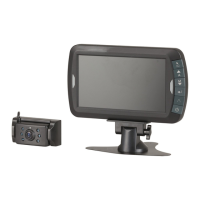
8. Press the MENU / RETURN button to exit to the main menu.
Picture:
This option allows you to change the brightness, contrast and colour for the camera display.
1. Press the MENU button to enter the main menu.
2. Press the DOWN button to select the picture menu.
3. Press the DOWN button; then the POWER / ENTER button to enter the picture menu.
4. Press the MENU / RETURN button to exit to the main menu.
Brightness:


 To Next Page