Select the version menu to clear the paired devices so you may re-pair them again such as if you find
an intermittent fault.
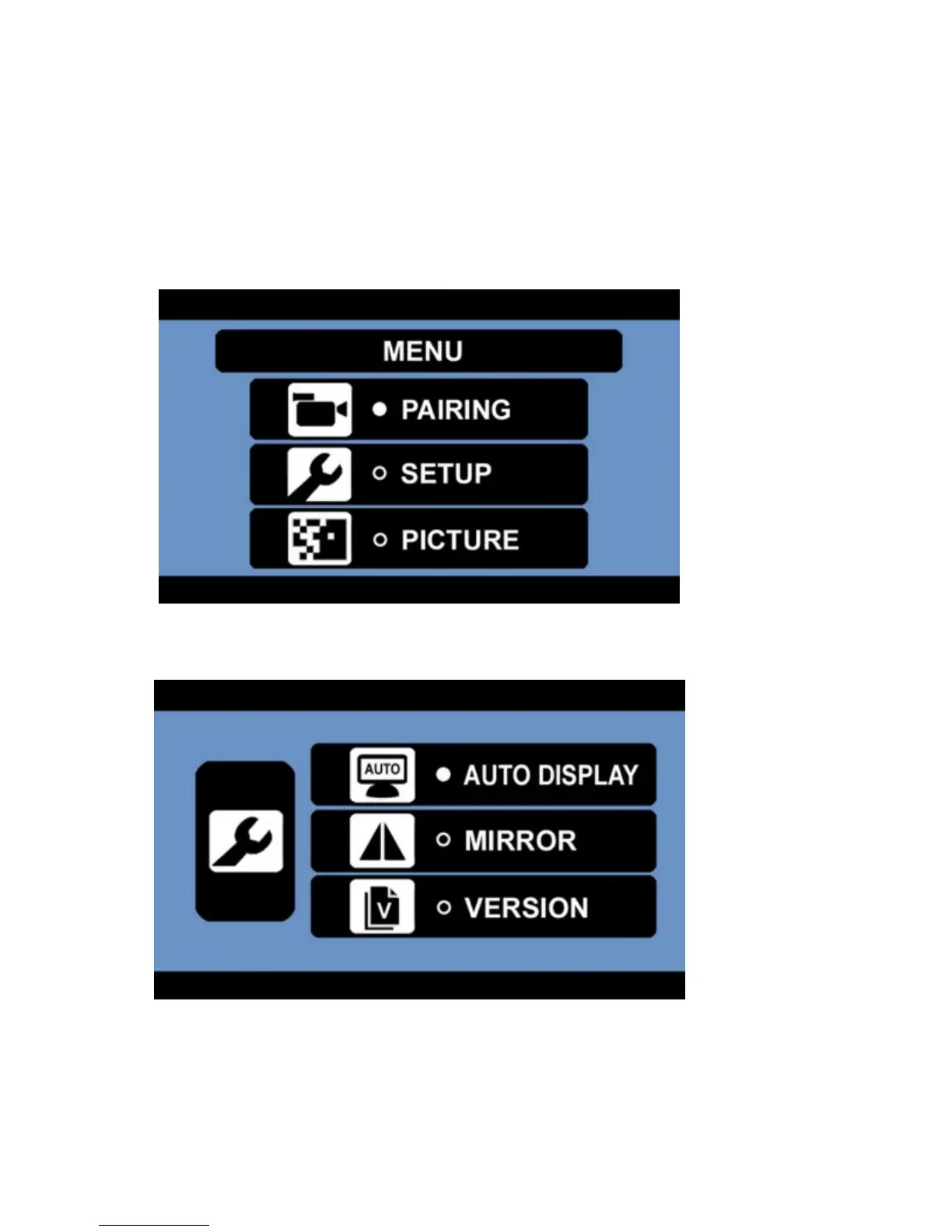
1. Press the MENU button to enter the main menu.
2. Press the DOWN button to select the setup menu.
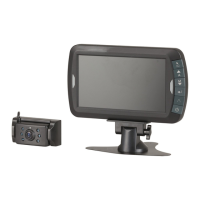
3. Press the POWER / ENTER button to enter the setup menu.
4. Press the DOWN button; then press the POWER / ENTER button to enter the version menu.
5. Press the POWER / ENTER button to view the version information of the monitor and camera.


 To Next Page