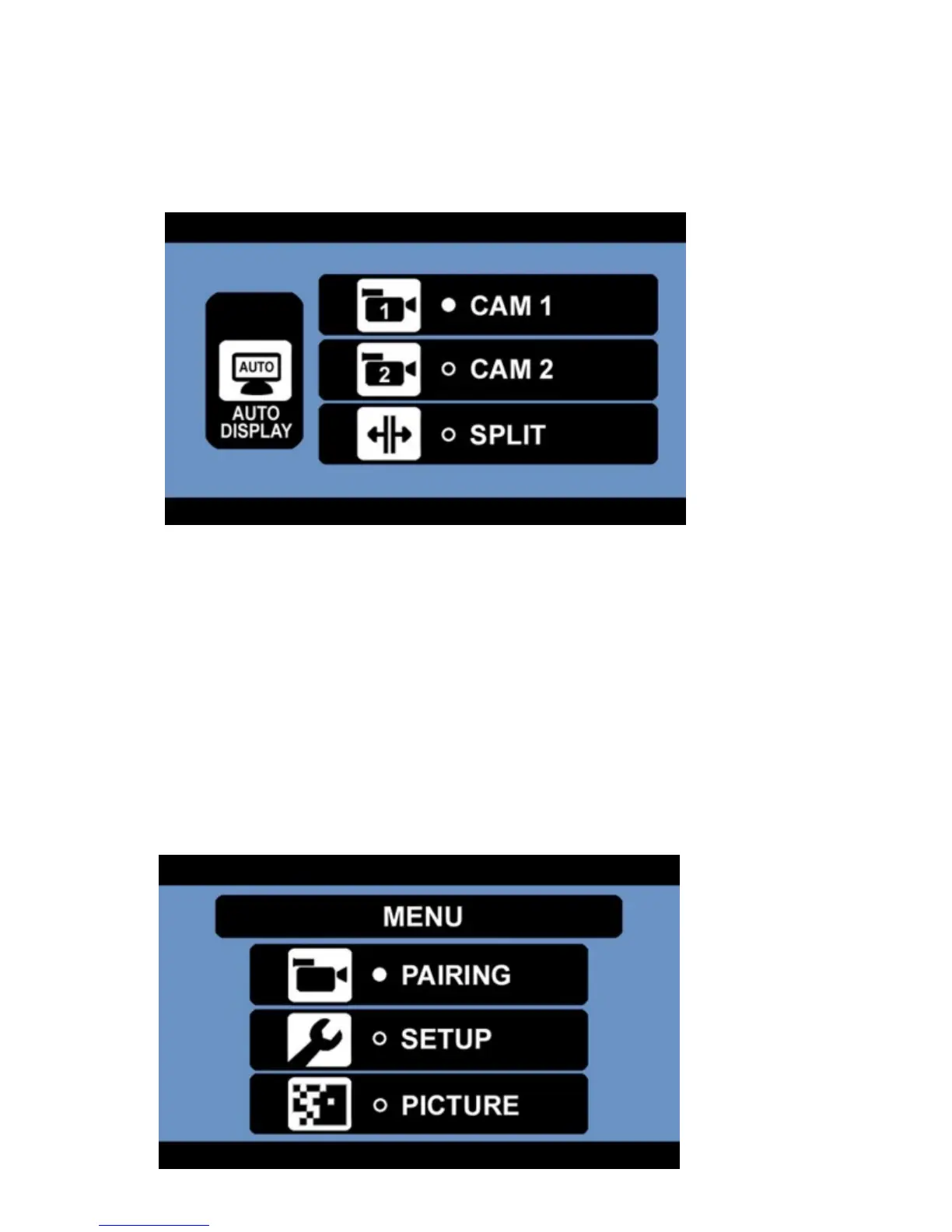
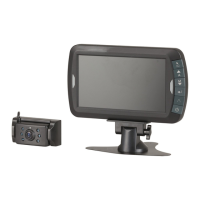
5. Select which display you would like to choose between camera 1, camera 2 and split display.
6. Press the POWER / ENTER button to confirm.
7. Press the MENU / RETURN button to exit to the main menu.
8. You can press the UP button to enter the auto display when there is no menu shown.
9. Press the DOWN button to select between camera 1, camera 2 or both when there is no menu
shown.
Mirror:
This option allows you to display the image in normal mode, up 180°, flipped (mirror) or flipped 180°
(mirror) depending on how your monitor is positioned on your wind screen.
1. Press the MENU button to enter the main menu.
2. Press the DOWN button; then the POWER / ENTER button to enter the setup menu.


 To Next Page