Powering the Monitor
1. Route the supplied power cable to the vehicles 12/24V cigarette lighter socket. The cable routing
should not interfere with the safe operation of the vehicle. Plug it in.
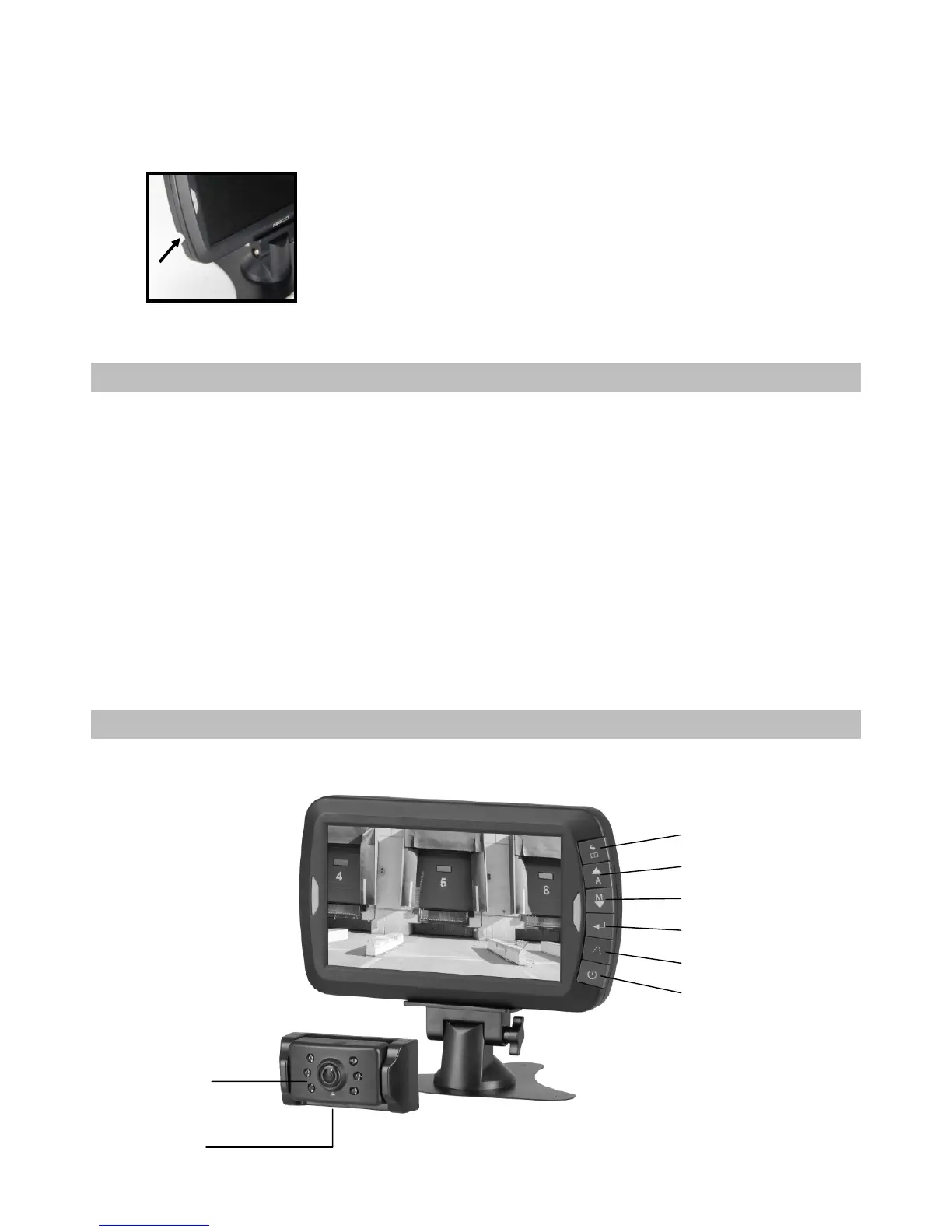
2. Insert the small DC plug of the power cable into the side of the monitor.
TESTING THE SYSTEM
1. Turn the ignition to the accessory position – do not start the vehicle.
2. Put the car into reverse without releasing the handbrake. The system should start up automatically,
if not press the power button on the monitor.
3. If it hasn’t already been done, please pair your camera(s) to the monitor (as described in the
section OPERATION).
4. After testing (and re-adjusting the unit if necessary), all cabling should be installed permanently:
route all wires behind interior panels or under carpeting. Use the supplied cable ties to keep excess
wires neat and compact.
NOTE: Under extremely bright light conditions, the screen image may take a few seconds to stabilize. Please
wait until the image has stabilized before reversing your vehicle.
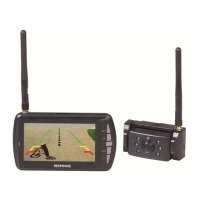
DESCRIPTION


 To Next Page