* counter clockwise
Time Setting
a n t w e r p
W
D
T
R
3.
3.
4.
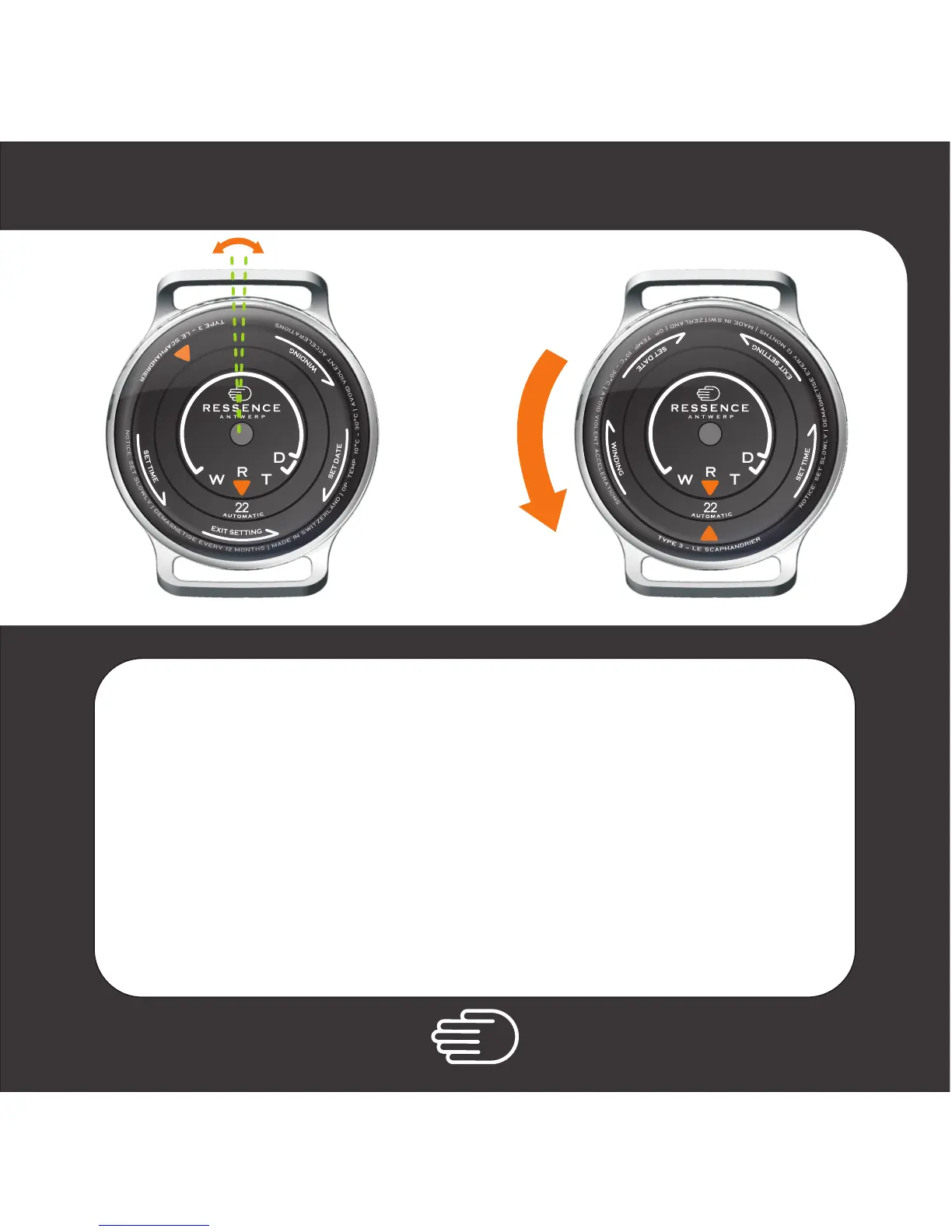
Turn the watch dial down, back case up.
„Slightly Shake**“ the back case over 2° to unlock the gears.
then
Turn the back case CCW* to the normal running position.
( Two orange cursors face eachother )
**: shake the back case : turn the back case back and forth over an angle of about 2°.
This small angle will avoid changing the time.
It will allow the gears that are under tension to unlock by gravity.
Turning the back case CCW* should feel free.
a n t w e r p
W
D
T
R
4.



 To Next Page