1.
2.
3.
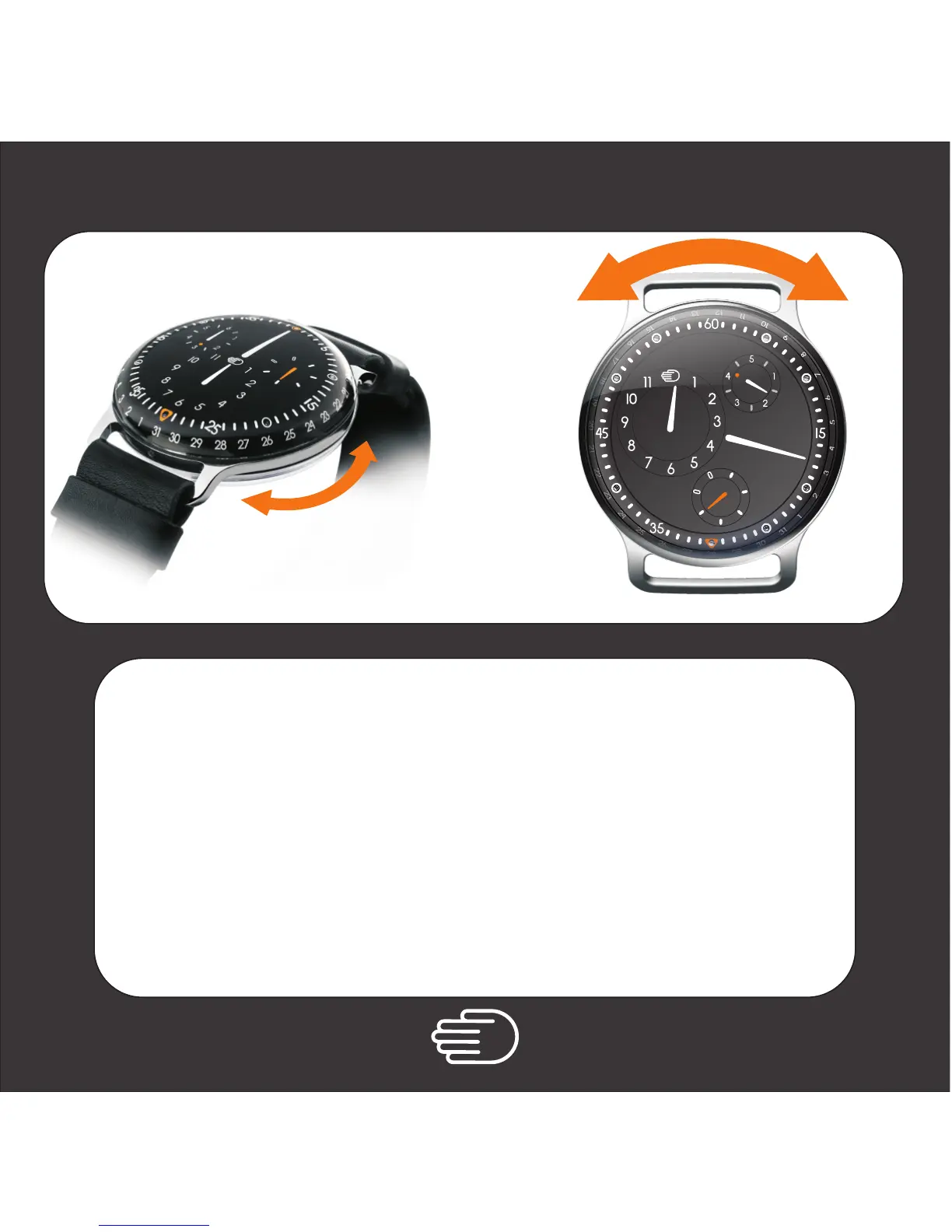
Follow instruction for Time Setting and bring the time to 23h45.
Tip: try to have the back case cursor between 10h30 and 1h30 for easy day setting.
then
Set the time ( backwards ) to 23h30.
then
Move the minutes hand forward to 00h30. The day indicator
( orange hand ) will jump one day.
Repeat this back and forth oscillation for each extra day.
Day Setting
1.
6
3
5
3
5
6
7
8
9
5
2. & 3.



 To Next Page