3
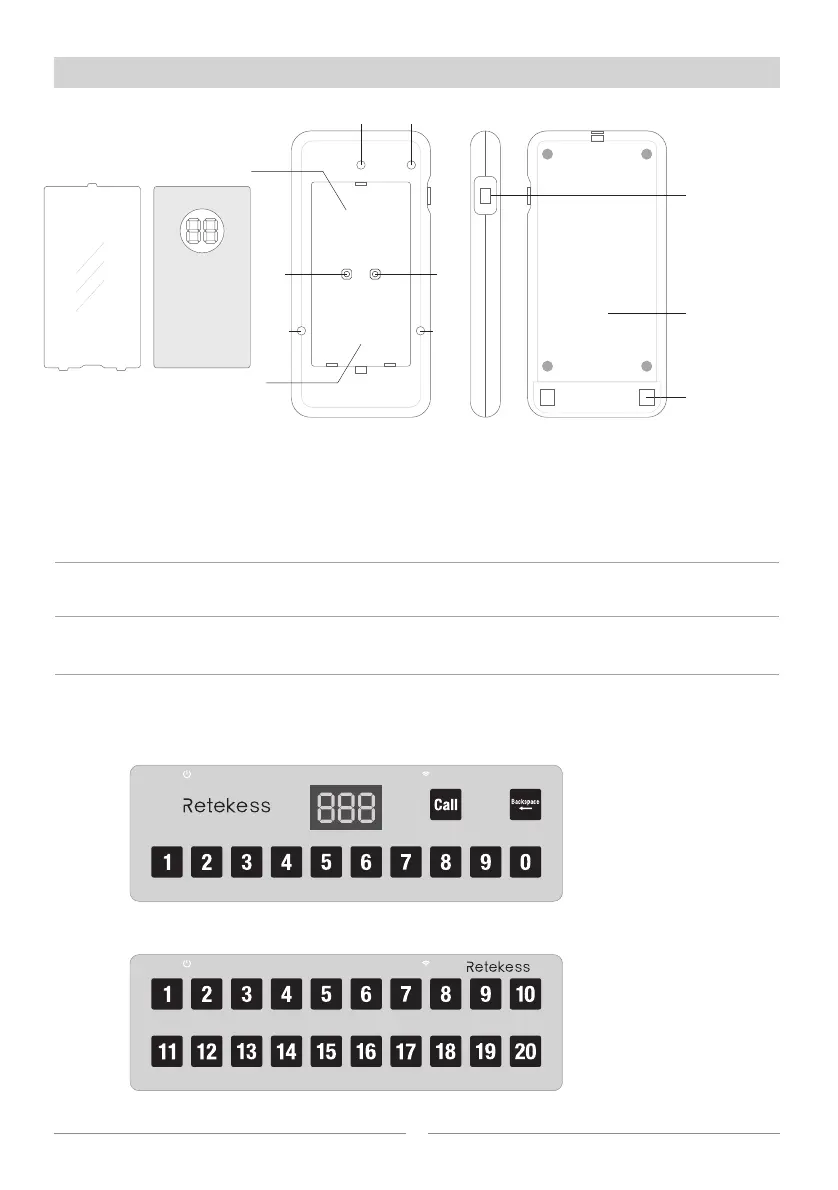
Diagram of receiver
【Power】
Press and hold the button for 3sec to power on the receiver, press again to power off.
Short press the button to reset standby status while there is calling.
【Set】
Short press the button to enter pairing status;
Press and hold on the button for 3sec to unpair..
【Mode】
Change the prompt mode of the receiver. The upper position is vibration only; the lower
position is vibration and buzzer.
Button function
【Keypad】
The call button & charger base has 2 different models, one is 999-channel keypad, another
one is 20-channel keypad. The 999-channel keypad use the combination of 0~9 to generates
999 different codes; but the 20-channel keypad only has 20 different codes.
Number paperTransparent
cover
Front
Side
Back
Charging pins
Power ON/OFF
Reset
Built-in battery
Paper slot
LED1
LED2
LED3
Pair
Charging LED
Mode
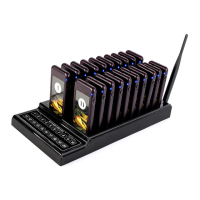
Queue wireless calling system
Press button from 0 to 9 to
select a number from 1 to 999,
then press “Call” button to
send. If select wrong number,
press “Backspace” to delete
and select number again.
20-channel keypad, press the
number button, it sends the
wireless signal directly.
Note: the below instruction is
based on 999-channel keypad.
999-channel keypad
20-channel keypad
Queue wireless calling system



 To Next Page