01
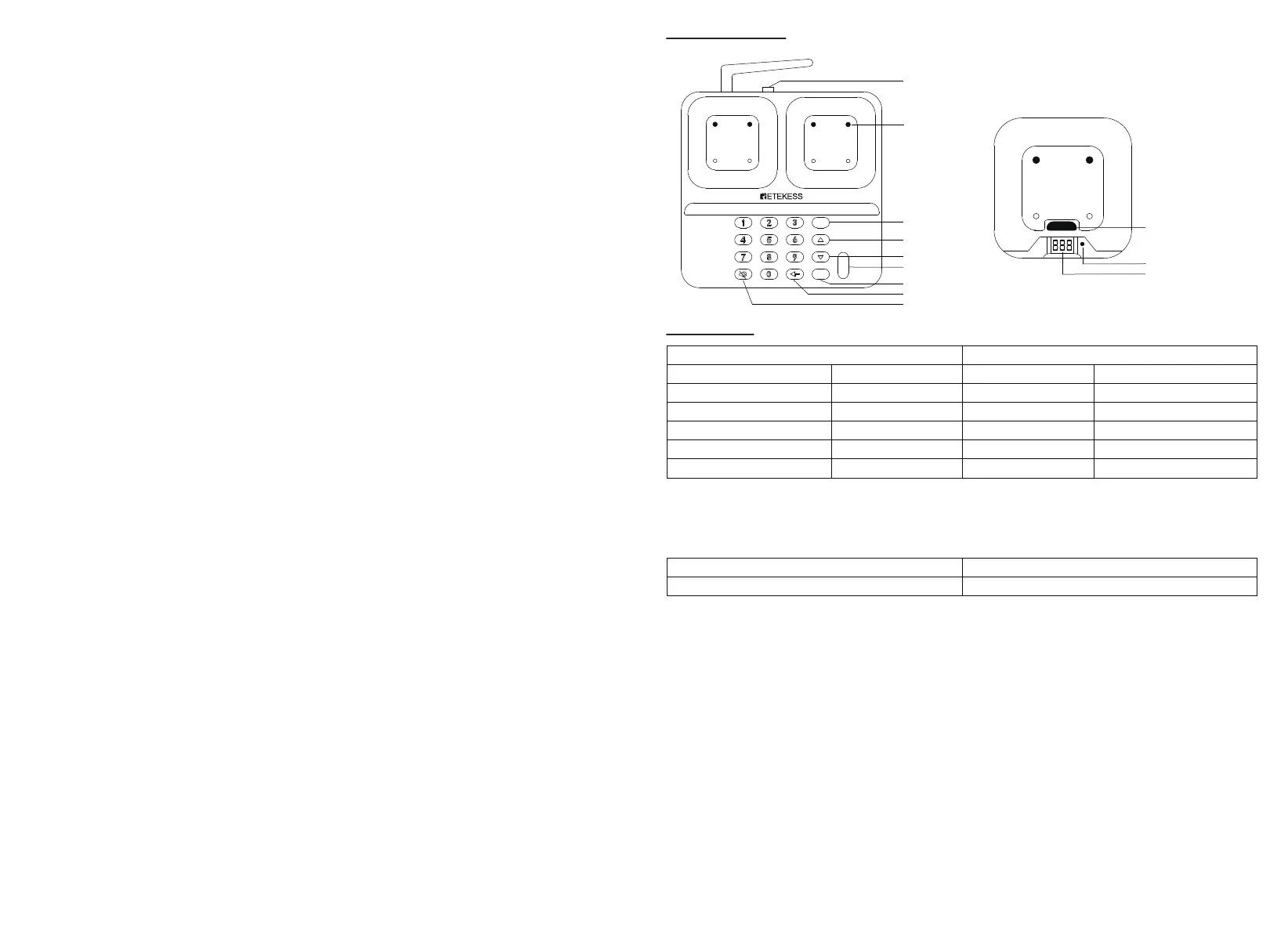
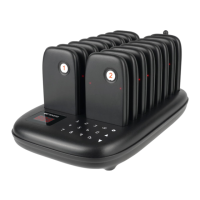
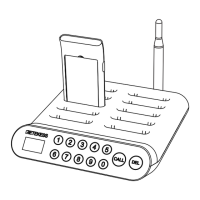
Product Overview
Specification
Operating Instructions
Power On
It is better to charge the pagers for at least 10 minutes before using.
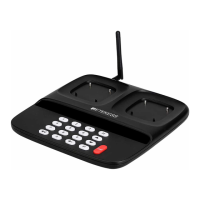
Connect the power supply of the keyboard transmitter, the display will light up.
Put the pagers on charging base, the indicator light of the pager light up.
Call Pager Operation
The default mode of the keypad transmitter is Call mode, there is C--- displayed on the screen. If the keypad transmitter in other modes,
continuously press Delete button (←) to return Call Mode until the C--- shows on the screen.
In the Call mode, enter the corresponding pager number through keypad, then press Call button. The pager will beep or vibrate after receiving
the call.
Prompt Mode Setting
Press Mute button and enter number 999, S999 shows on the screen at the same time, then press Call button, all charging pagers change to
Mute mode. The pagers only vibrate and flash when being called.
Press Mute button and enter number 000, S000 shows on the screen, then press Call button, all charging pagers change to normal mode. The
pagers beep, vibrate and flash when being called.
Keypad Notice Mode Setting
Press Mute button and enter number 998, S998 shows on the screen, then press Call button, the keypad changes to Mute mode.
Press Mute button and enter number 997, S997 shows on the screen, then press Call button, the keypad changes to Tone mode.
Call History
Press H button, H and the last calling number shows on the screen. Press Up/Down △/▽ button to check recent 10 calling information.
If you need to call again for one called number, just press Call button when you find it on the call history mode.
Note: There is no looping of △/▽.
Power Off
In Call mode, enter number 999 and press Call button, all charging pagers will be powered off.
Then remove the charger from the power source to power of the keypad.
Note: The instruction is invalid for the pagers that not being charged or paired with the keypad.
DV12V Input
Charging Base
H
P
Call
Calling history
Up
Down
Call
Program
Delete
Mute
Cancel
Charging Indicator
Digital Display
Keypad Transmitter Pager
Input Power
Max number of pagers
Number of charging pagers
Dimensions
DC12V/2A
998
10pcs*2
220*215*26mm
Battery
Standby Duration
Receiving Sensitivity
Prompt Mode
Prompt Time
Dimensions
Li-ion 3.7V 300mAh
20h
-115dBm
Vibration/Buzzer/Flashing
30s
100*96*20mm
Charging Indicator Flashes:
Charging Indicator Always On:
Charging
Full Charged


 To Next Page