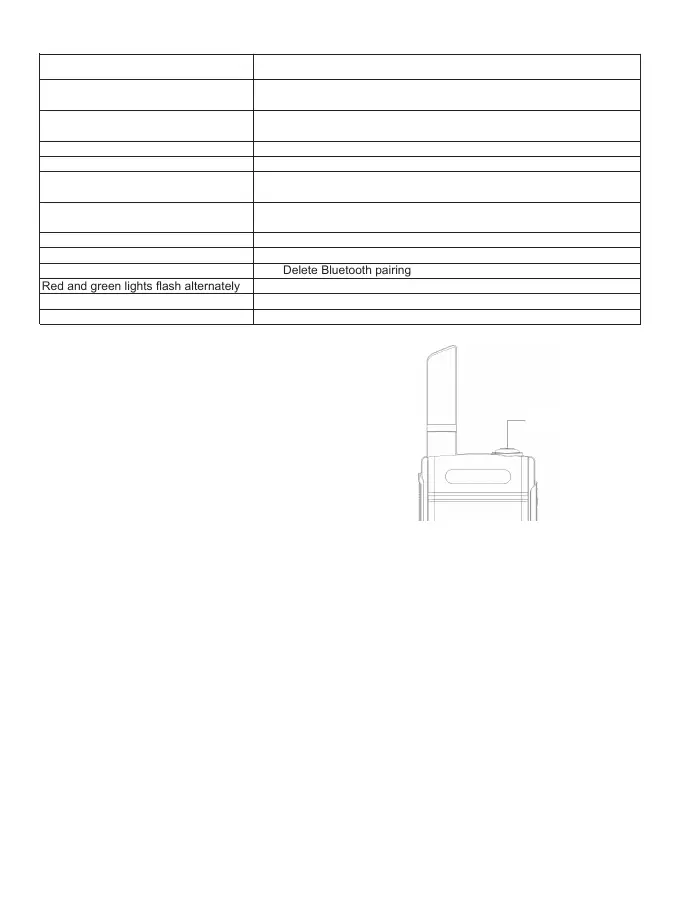
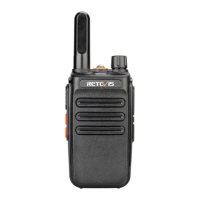
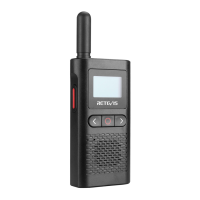
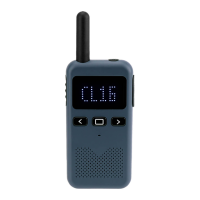
LED Indicator
Function Operation
1. Turn ON/OFF
1.1 In the off state, press the power key for 3s to turn on the radio.
The current channel number and the battery power are broadcast
at the same time.
1.2 In the on state, press the power key for 3s to turn off the radio
and the radio makes a off prompt.
2. Volume adjustment
In the standby or receiving state, shortly press the power key to adjust the radio volume and the current volume
level is broadcast. 0-5 volume levels are adjustable circularly.
Note: when the volume level is 0, the receiving of the radio is silent mode.
3. Transmitting/receiving
3.1 In the standby state, press PTT key to transmit signal of the current channel number and LED red indicator
lights up.
3.2 Release PTT key to receive the signal of the same channel number, speaker makes a communication voice
and LED green indicator lights up.
Attentions:
• When the radio is transmitting, keep the radio in the vertical position and the microphone 2.5-5cm away from
the mouth. When transmitting, the radio is at least 2.5cm away from the head or body.
• Set the receiver frequency the same as the transmitter’s before communicating.
• Set the channel number, CTCSS/DCS codes of the transmitter and the the receiver are the same.
4. Channel selection
In the standby state, shortly press + or - key to choose the channel and the current channel number is broadcast.
5. CTCSS/DCS
This radio supports a total of 258 CTCSS/DCS. It can be set 50 CTCSS and 104*2 DCS (N and I phases) in the
programming software (CPS).
Green indicator flashes slowly
(ON: 20ms/OFF: 5sec)
Green indicator flashes slowly
(ON: 200ms / OFF: 200ms)
Red indicator is on
Green indicator is on
Red indicator flashes quickly
Green indicator flashes quickly
Blue indicator flashes quickly
Blue indicator is on
Red and Green indicator flashes
Red and green lights flash alternately
Green indicator double flash
Red indicator double flash
Standby state
Scan state
Transmitting
Receiving
Read data from the radio through operating the programming
software
Write data to the radio through operating the programming
software.
Bluetooth is pairing
Bluetooth pairs successfully
Delete Bluetooth pairing
Charging
Fully charged
Low battery
LED indicator Radio Working Status
02
Press and hold for 3
seconds to turn on.



 To Next Page