2. Battery information
2.1 Notes on charging
The optional battery is not charged at the factory. Please charge the battery before using it for the first time. If the battery has not been
used for a long time or the battery is exhausted, please charge the battery before use. Two or three charge/discharge cycles can make
the battery capacity reach the best condition. When the battery power is found to be low, the battery needs to be charged or replaced.
note:
Do not short-circuit the battery terminals or throw the battery into fire.
When charging the battery into the walkie-talkie, turn off the walkie-talkie to ensure that the battery is fully charged.
Don't leave the walkie-talkie and battery on the charger when not charging. Continuous charging will shorten the battery life.
Do not put a fully charged battery back on the charger and then "power on", which may reduce the cycle life of the battery.
Please try your best to keep the battery in an indoor environment of approximately 25°C. The battery is prone to failure in an
environment where the temperature is lower than minus 10°C for a long time.
When the temperature is higher than 35℃ or lower than minus 10℃, the dischargeable capacity of the battery may be reduced,
which is determined by the physical characteristics of the lithium battery.
2.2 Charging the battery
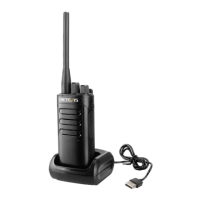
(1) Plug the charging power adapter into an AC power outlet that meets the requirements.
(2) Insert the cable of the charging stand into the adapter jack on the back of the adapter,
the green indicator light is on.
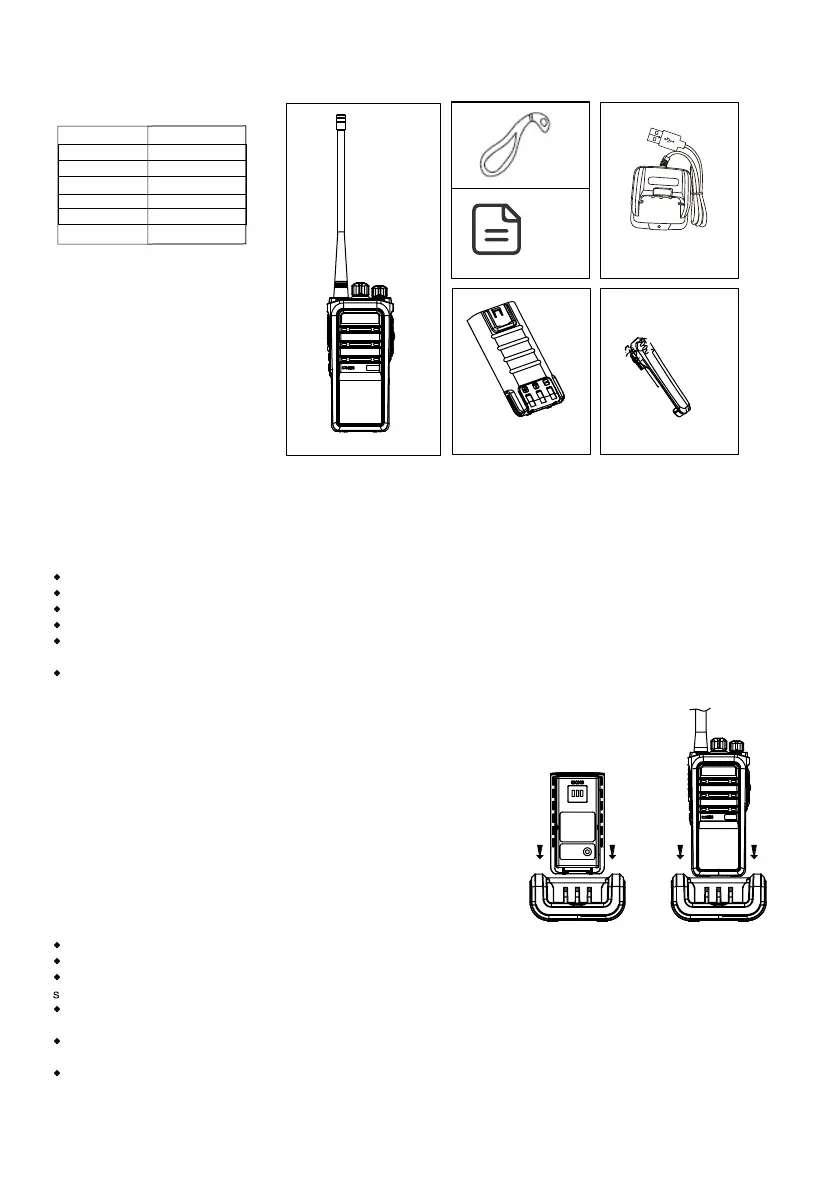
(3) Insert the battery to be charged or the walkie-talkie into the charging base.
(4) Confirm that the battery is in reliable contact with the terminals of the charging base,
and the red indicator light is on and charging starts.
(5) After charging for about 6 hours, the red indicator light is off and the green indicator
light is on, indicating that the battery is fully charged.
(6) In the green light state, keep for 1~2 hours before removing the battery to achieve the
best performance of the battery.
(7) Remove the charging power adapter from the AC power outlet.
note:
When leaving the factory, the battery of the walkie-talkie is not charged. Please charge the battery before using it for the first time.
When the walkie-talkie is charged with battery, please turn off the walkie-talkie.
The first charge of a new battery or the first charge of a battery stored for a long time (more than 2 months) should be repeated
everal times to reach the normal battery capacity, and the battery should be charged at least once every three months.
When the battery is fully charged or the battery power is above the low-voltage alarm state of the walkie-talkie, do not charge the
battery to avoid affecting battery life and performance. Please remove the battery from the charging stand after charging.
When the walkie-talkie enters the low-voltage alarm state, please recharge the battery before using it, and do not force it on to use it,
so as not to affect the battery life and performance.
The lithium battery has a protection circuit inside. When the battery is too low, the power supply will be cut off. At this time, when
charging on the charging stand, the indicator light will not light up immediately. After about 1-5 minutes, the charging indicator light will
display.
USB Charger
Battery
Belt clip
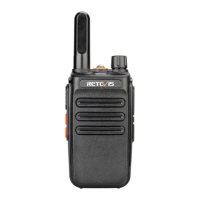
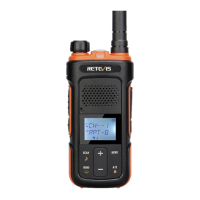
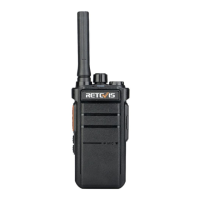
Walkie talkie
Sling
1.1.Accessories
Package Amount
Walkie talkie
Charger base
Battery
Belt clip
Sling
Manual
Manual
1
1
1
1
1
1
2


 To Next Page