(CH1-CH11).
Note: In weather forecast receiving mode, the radio receiving and transmitting function is deactivated.
Language
1) Press the [MENU] button to enter into the MENU mode. Press the [▲]/[▼] button to select 15 and display
VOICE;
2) Press the [MENU] button to enter the MENU item;
3) Press the [▲]/[▼] button to select: OFF/CHI/ENG;
4) Press [MENU] button to confirm;
5) Press [PTT] button exit to the menu mode.
- If the menu item is selected as OFF, the radio turn off the voice mode.
- If the menu item is selected as CHI, the radio voice prompt is Chinese.
- If the menu item is selected as ENG, the radio voice prompt is English.
Note: In Normal Mode, the LCD display frequency and channel;
In PMR/FRS Mode, the LCD display channel number;
Menu Item List
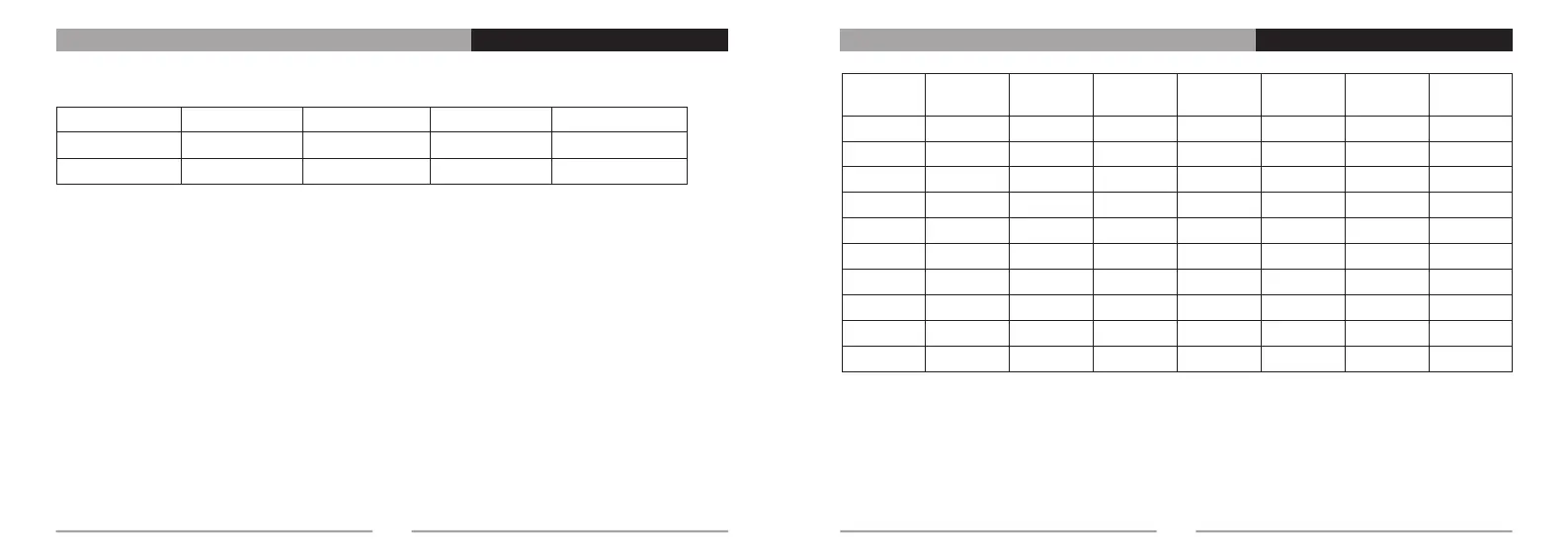
11
0
1
2
3
4
5
6
7
8
9
OFF
67.0
71.9
74.4
77.0
79.7
82.5
85.4
88.5
91.5
CH1: 162.550 CH2: 162.400 CH3: 162.475 CH4: 162.425 CH5: 162.450
CH6: 162.500 CH7: 162.525 CH8: 161.650 CH9: 161.775 CH10:161.750
CH11:162.000
CTCSS List
12
Serial
Number
CTCSS
10
11
12
13
14
15
16
17
18
19
94.8
97.4
100.0
103.5
107.2
110.9
114.8
118.8
123.0
127.3
Serial
Number
CTCSS
20
21
22
23
24
25
26
27
28
29
131.8
136.5
141.3
146.2
151.4
156.7
162.2
167.9
173.8
179.9
Serial
Number
CTCSS
30
31
32
33
34
35
36
37
38
Serial
Number
CTCSS


 To Next Page