9
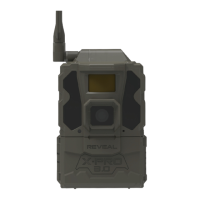
1. Using the display screen on the Reveal, position the camera to your
desired focal point.
2. Ensure the antenna is securely tightened.
3. Wipe down the seal, removing any dirt or debris.
4. Hit the left navigation arrow to enter work mode (work mode means
the camera is on and will function correctly). From there, your camera
will begin sending you photos.
5. As long as your phone picks up a signal, be sure a motion detected
picture is sent to your phone via the app. This may take a few minutes.
LEAVING YOUR CAMERA IN THE FIELD
START USING THE REVEAL X-PRO
SENDING A TEST PICTURE (CONTINUED)
• When your test picture has been sent successfully, a message is
displayed on the screen notifying you.
• If your test picture does not send, a send failure message will display
on the screen.
2. As long as your phone picks up a signal, be sure a motion detected
picture is sent to your phone via the app. This may take a few
minutes.
START USING THE REVEAL PRO3


 To Next Page