EasyManua.ls Logo

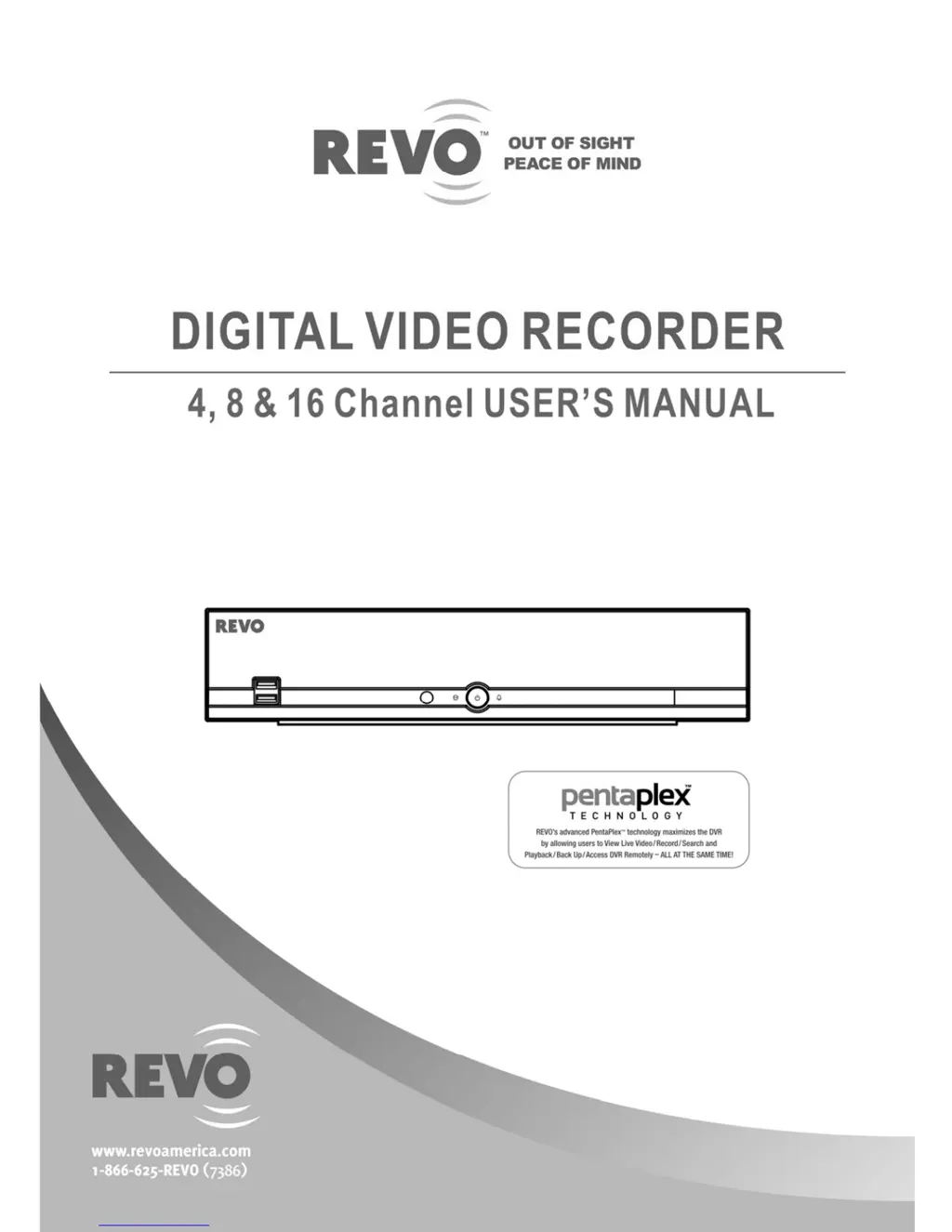
Revo 4 Channel - User Manual

Revo 4 Channel
56 pages
Print Icon
To Next Page IconTo Next Page
Loading...

Questions and Answers

  • F
    ferrellmariaAug 10, 2025
    How to troubleshoot no power on my Revo DVR?
    • J
      Joshua BishopAug 10, 2025
      If your Revo DVR has no power, begin by checking the power cord connections to ensure they are secure. Then, confirm that the outlet you're using is providing power.
  • J
    jennaalexanderAug 15, 2025
    What to do if there is no live video on my Revo 4 Channel?
    • V
      Vanessa AdamsAug 15, 2025
      If you're experiencing a 'No Live Video' issue with your Revo DVR, check the camera video cable and its connections, as well as the monitor video cable and connections. Also, confirm that the camera is receiving power and check the camera lens settings.
  • G
    Gregory StoneAug 19, 2025
    Why has my Revo DVR stopped recording?
    • M
      Michael MartinezAug 19, 2025
      If your Revo DVR has stopped recording, it may be due to the hard disk drive being full. You can either delete video files to free up space or set the DVR to Recycle On (Recycle When Disk Full) mode.
  • P
    Paul RiveraAug 26, 2025
    How to fix Revo 4 Channel DVR remote control not working?
    • K
      Keith WilliamsAug 26, 2025
      If your Revo DVR's IR remote control isn't working properly, start by checking the batteries. Ensure that nothing is blocking the infrared sensor on the DVR. Finally, check the system ID setting for the remote control.
  • S
    Sonya PriceAug 30, 2025
    What to do if Revo DVR keeps rebooting during system upgrade?
    • J
      Jean BowenAug 30, 2025
      If your Revo DVR keeps rebooting and the upgrade fails, it could be because the current system version is higher than the upgrade package file version. In this case, you should reset the DVR using the Factory Reset option.
  • M
    Mr. Robert HooverSep 3, 2025
    Why is my Revo 4 Channel not recording even though the icon is displayed?
    • S
      Susan EllisSep 3, 2025
      When the Revo DVR is in the Pre-Event recording mode, the yellow and icons display when there is no event, and the DVR is not recording.

Revo 4 Channel Specifications

General IconGeneral
Compression FormatH.264
Power SupplyDC 12V
Channels4
Remote ViewingYes
Video Input4 channels
Video OutputHDMI, VGA
Recording Resolution1080p
StorageSupports up to 6TB HDD
Network ConnectivityRJ45 Ethernet
Mobile AccessYes (iOS/Android app)

Related product manuals