EasyManua.ls Logo

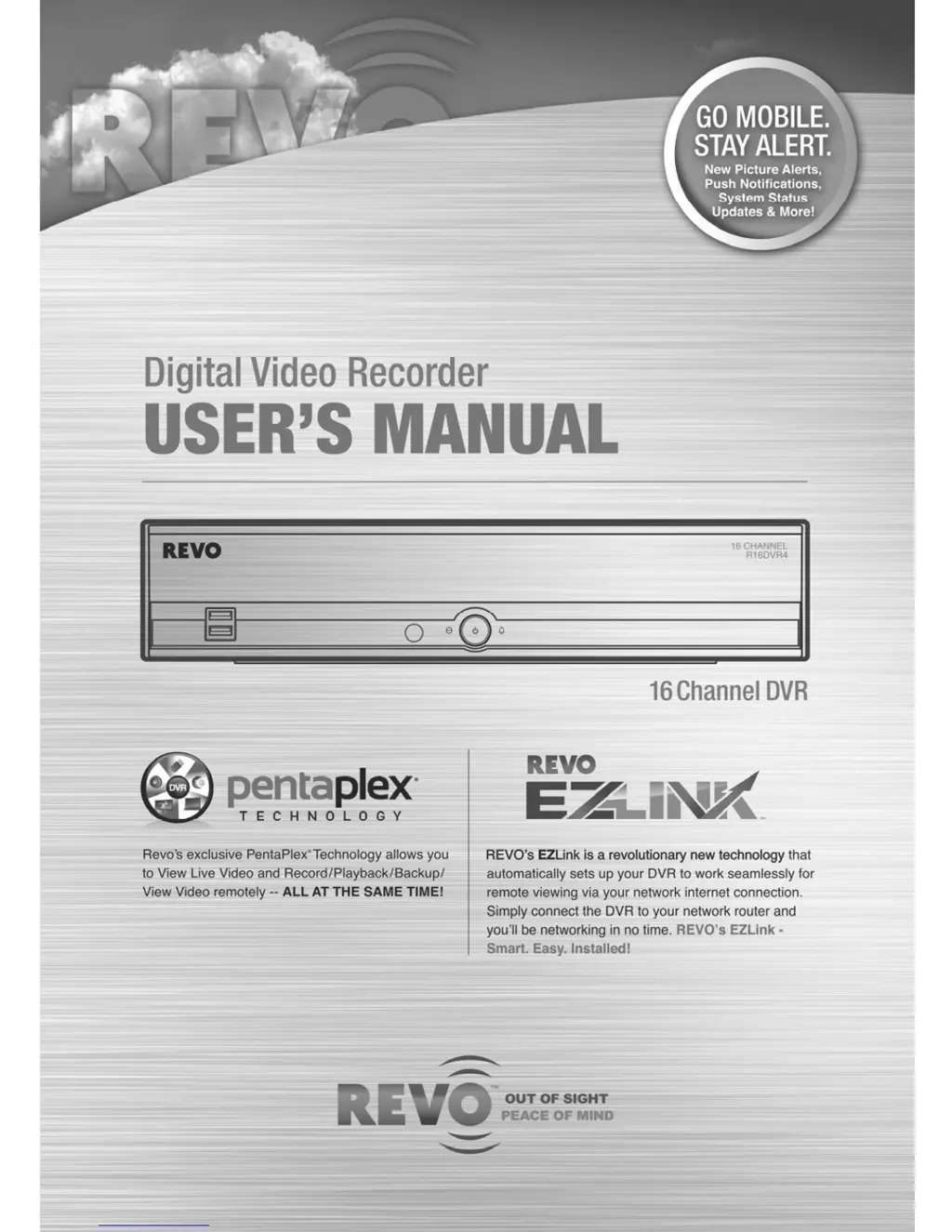
Revo Digital video recorder - User Manual

Revo Digital video recorder
56 pages
Print Icon
To Next Page IconTo Next Page
Loading...

Questions and Answers

  • R
    rebecca52Jul 31, 2025
    Why has my Revo DVR stopped recording?
    • B
      Brittany OwenJul 31, 2025
      If your Revo DVR has stopped recording, it might be because the hard disk drive is full. To resolve this, you can either delete some video files to free up space or configure the DVR to 'Recycle On' mode, which automatically overwrites older recordings when the disk is full.
  • E
    Elizabeth DudleyAug 4, 2025
    What to do if my Revo Digital video recorder DVR shows no live video?
    • J
      John ReedAug 4, 2025
      If your Revo DVR shows no live video, begin by checking the video cables and connections for both the camera and the monitor. Also, confirm that the camera is receiving power and check the camera lens settings.
  • N
    Nathan JonesAug 10, 2025
    How to fix a Revo Digital video recorder remote control that is not working?
    • E
      eturnerAug 10, 2025
      If the IR remote control for your Revo DVR isn't working correctly, try these steps: 1. Check the batteries in the remote. 2. Ensure nothing is blocking the infrared sensor on the DVR. 3. Verify the system ID setting for the remote control.
  • R
    ryanrobertsonAug 14, 2025
    How to troubleshoot a Revo Digital video recorder with no power?
    • H
      Heather CampbellAug 15, 2025
      If your Revo DVR is not getting power, check the power cord connections first. Then, confirm that the power outlet is providing electricity.
  • R
    Robert HornAug 19, 2025
    What to do if Revo Digital video recorder keeps rebooting during system upgrade?
    • N
      Nathan RoseAug 20, 2025
      If your Revo DVR keeps rebooting and the upgrade fails while upgrading the system, it's possible that the current system version is higher than the upgrade package file version. You should reset the DVR first using the Factory Reset.
  • K
    Kyle PhillipsAug 25, 2025
    Why is my Revo Digital video recorder DVR not recording when the icon is displayed?
    • A
      Andrew ClarkAug 25, 2025
      The yellow and icons on your Revo DVR display when there is no event, and the DVR is in the Pre-Event recording mode, meaning it is not actively recording at that moment.

Summary

FCC Compliance Notice

Important Safeguards

Chapter 2: Installation and Configuration

Initial Setup and Configuration

Covers panel connectors, remote control, power-on, quick, and advanced setup procedures.

Chapter 3: Operation

Live Monitoring and Playback

Describes viewing live video, using menus, and playing recorded footage.

Search and Remote Access

Details video searching, bookmarks, export, and remote access via REVO Remote.

Appendix

Error Codes and Troubleshooting

Lists error codes and provides solutions for common DVR problems.

Chapter 2: Installation Details

Chapter 2: Advanced Setup Introduction

Login Screen and User Setup

Explains the login process and initial user/password setup.

Chapter 2: Advanced Setup Options

System, Network, and Camera Configuration

Covers setup for system ID, network, and camera settings.

Record, Event, and Display Configuration

Covers setup for recording, events, and display settings.

Chapter 2: System Setup Details

Chapter 2: Quick Setup Wizard

Date;Time and Record Method Setup

Configures system date, time, time zone, and preferred recording mode.

Chapter 2: Quick Setup Wizard (Continued)

Video Quality and Network Setup

Sets video quality profiles and initiates network setup wizard.

Chapter 2: Network Setup Wizard

Internet and LAN Configuration

Sets up Internet connection and local area network parameters.

REVO EZLink and Dashboard Setup

Configures remote access services and user dashboard accounts.

Chapter 2: REVO Dashboard Setup

Dashboard Account and DVR Registration

Covers creating new accounts, using existing ones, and registering the DVR.

Chapter 2: Advanced Setup - Login

Login Screen and Security Settings

Explains the login process and the importance of setting a secure password.

Chapter 2: Network Settings - General

Chapter 2: Camera Settings

Chapter 2: Record Settings

Recording Modes and Auto Deletion

Explains recycle, de-interlace, record audio, and auto deletion options.

Chapter 2: Event Setup - Motion Detection

Motion Detection Settings

Covers sensitivity, zone definition, min. blocks, and actions for motion events.

Chapter 2: Event Setup - Alarm-In

Chapter 2: Event Setup - System

Chapter 2: Display Setup - OSD

Chapter 2: Display Setup - Main Monitor

Chapter 2: Display Setup - VGA

Chapter 3: Operation Overview

Live Monitoring Interface

Describes the initial screen display, menu icons, and basic navigation for live video.

Chapter 3: Camera Menu Operations

Chapter 3: Recording Video Modes

Chapter 3: Playing Recorded Video

Chapter 3: Searching Video

Chapter 3: Record Table Search

Chapter 3: Motion Search

Chapter 3: REVO Remote Access

Chapter 3: Web Monitoring

Chapter 3: Web Search

Appendix: Troubleshooting Guide

Revo Digital video recorder Specifications

General IconGeneral
BrandRevo
ModelDigital video recorder
CategoryDVR
LanguageEnglish

Related product manuals