29
English
Equaliser Settings
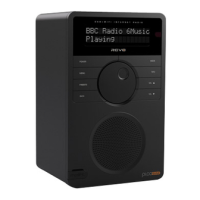
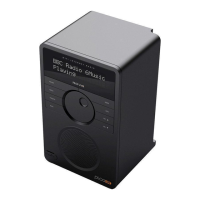
AXiS X3 gives you control over
its default audio settings.
Select “Custom” to set your own
preferences for Bass and Treble.
Press the “Back” button to save your settings
and return to the equaliser options list.
Custom EQ Settings
Bass Treble
Settings
16.20pm 31 Jul 2013



 To Next Page