revoCloud Access
To use an Executive Elite through the Cloud Server, it first needs to be
registered. If registration was not completed during the Initial Setup, it can be
registered through the Online Access page.
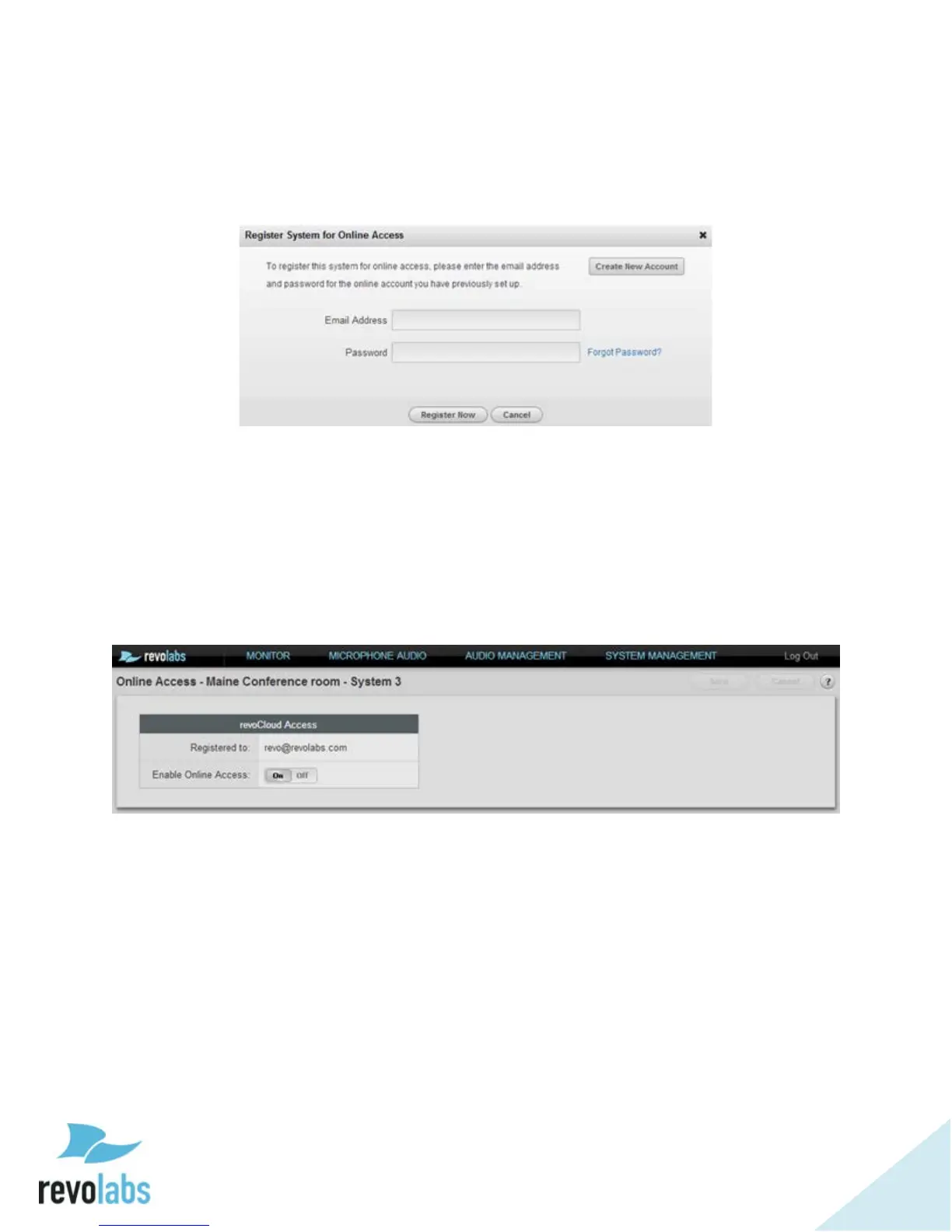
An unregistered Elite’s revoCloud Access page takes the same appearance as
the registration request page in the Initial Setup wizard. Selecting cancel on
the popup navigates back to the Monitor page.
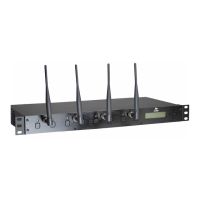
For a system registered to the Cloud Server, revoCloud Access will lead to a
Cloud Server permissions page instead of the registration page. The Cloud
Server permission page lists the account the system is registered to, and allows
enabling or disabling online access.
To take advantage of the cloud web UI, a system needs to be registered, and
online access needs to be enabled.


 To Next Page