MINI 3D Scanner Guide de Démarrage Rapide
COPYRIGHT ©2022 REVOPOINT 3D ALL RIGHTS RESERVED 22
Android Smartphone Connects MINI Via USB Mode
Hardware Connection
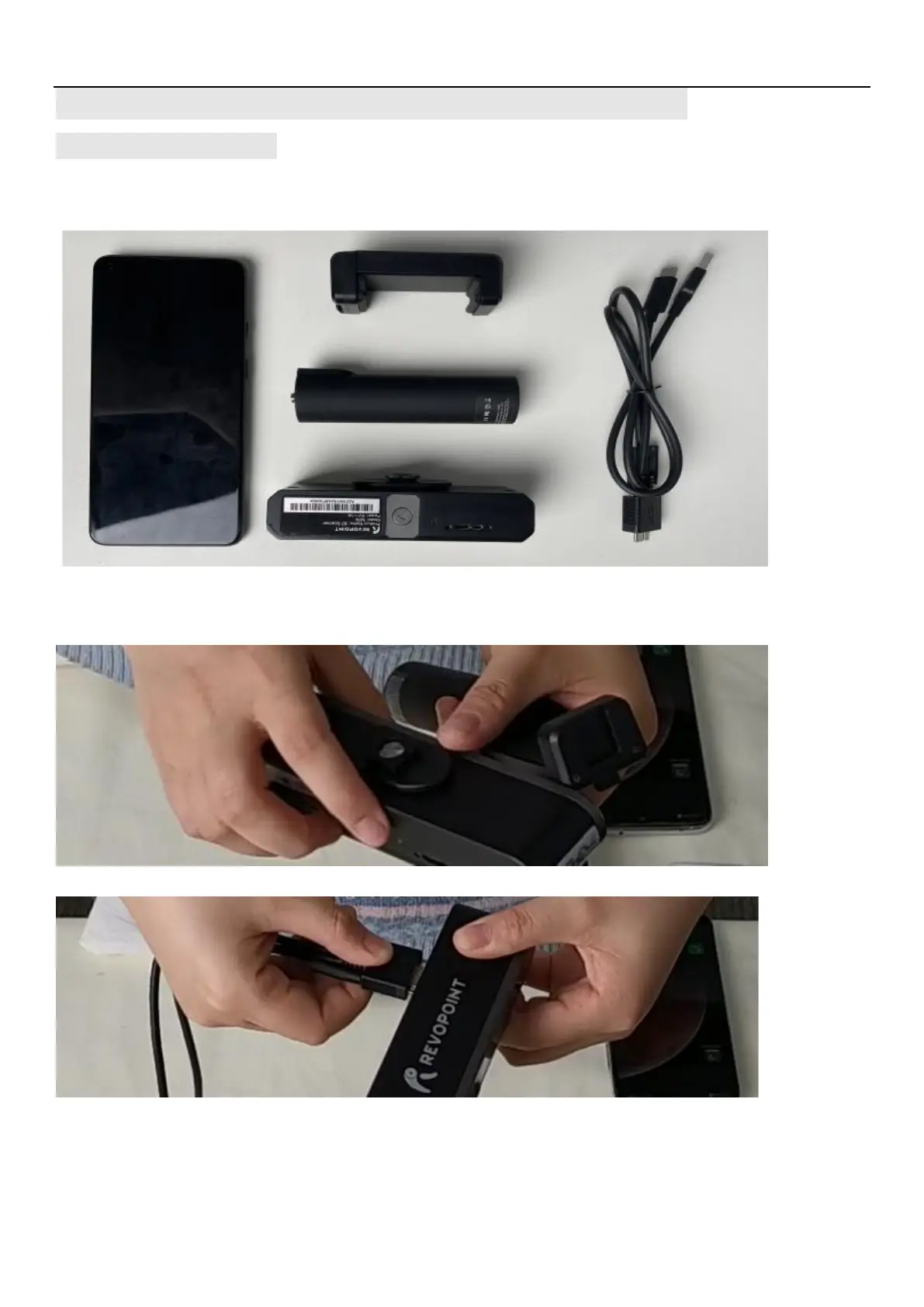
Part List: An Android Smartphone, a 2-in-1 Mobile Cable, A Phone Holder, a Power Bank
and A MINI 3D Scanner
Connection
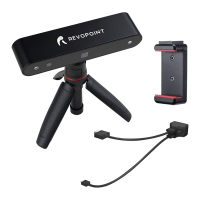
1)Screw the phone holder on the power bank;
2)Fix the MINI on the phone holder;
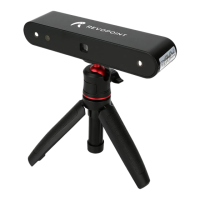
3)Connect the 2-in-1mobile cable on the rear of the MINI 3D scanner, and tighten screws at both sides;
4) Fix the Android smartphone in the phone holder;
5) Connect the 2-in-1 mobile cable to the power bank (Type A) and the smartphone (Type C) separately;


 To Next Page