MINI 3D Scanner Guide de Démarrage Rapide
COPYRIGHT ©2022 REVOPOINT 3D ALL RIGHTS RESERVED 16
Smartphone:Connecting to MINI 3D Scanner
(Wi-Fi & USB Mode)
Android Smartphone Connects MINI Via Wi-Fi
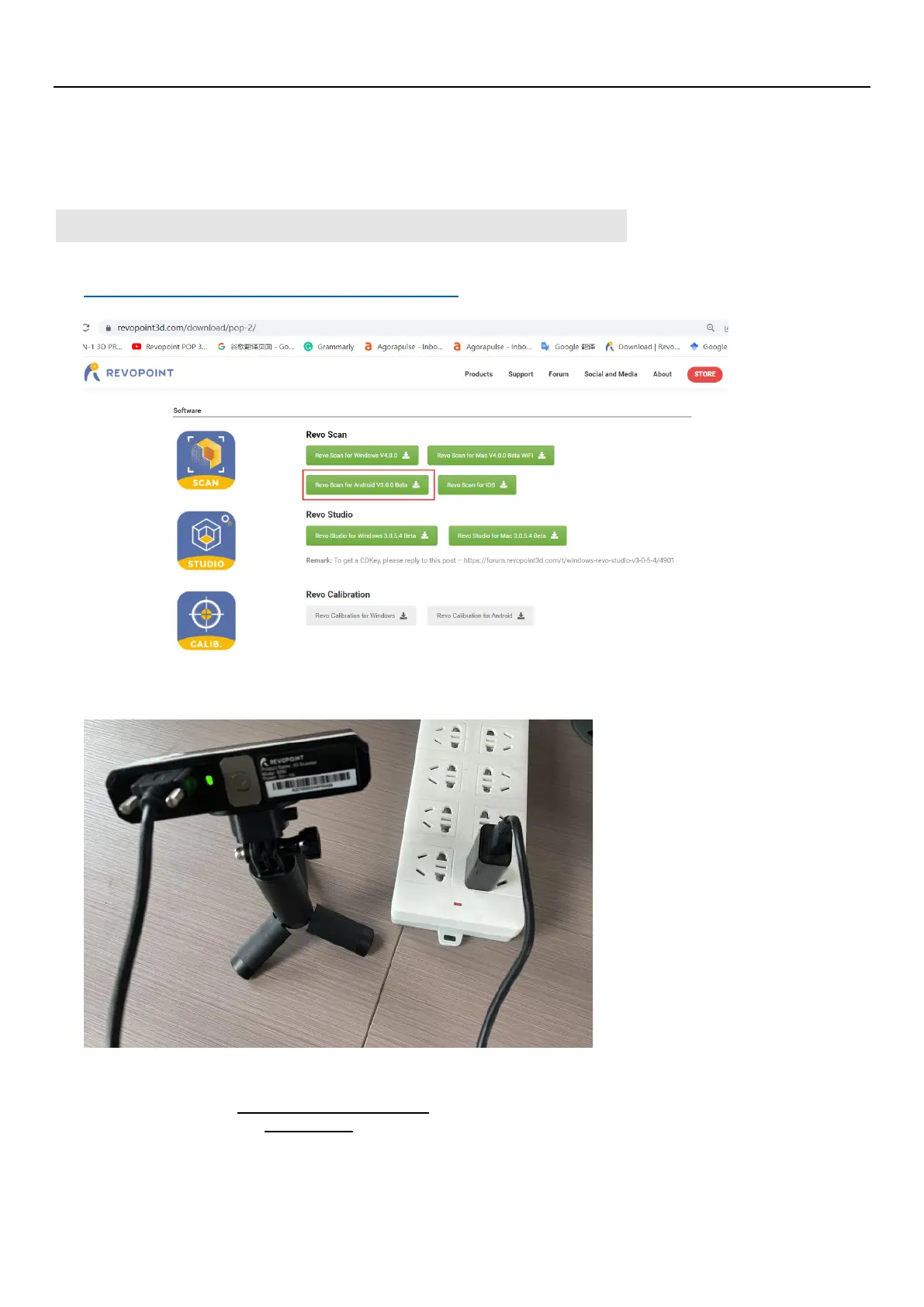
1. Download the Software-Revo Scan at Revopoint official website:
https://www.revopoint3d.com/download-2/
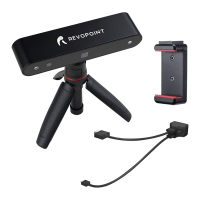
2. Power the MINI 3D scanner on with a power bank or other power supply;
Note: Don’t take your PC as the power supply when scanning via Wi-Fi.
3. Connect to the Wi-Fi Provided by the MINI;
The default SSID is: MINI-REVO-XXXXXXXX
The default Password is: Revopoint3d
For example: If the Serial Number of one MINI 3D scanner is: A22725842A6F00A64.
The Default SSID: MINI-REVO-A2272584
The Default Password: Revopoint3d


 To Next Page