Getting Started
Unpacking your F10 Dashboard Camera
17
©2017 REXING All Rights Reserved.
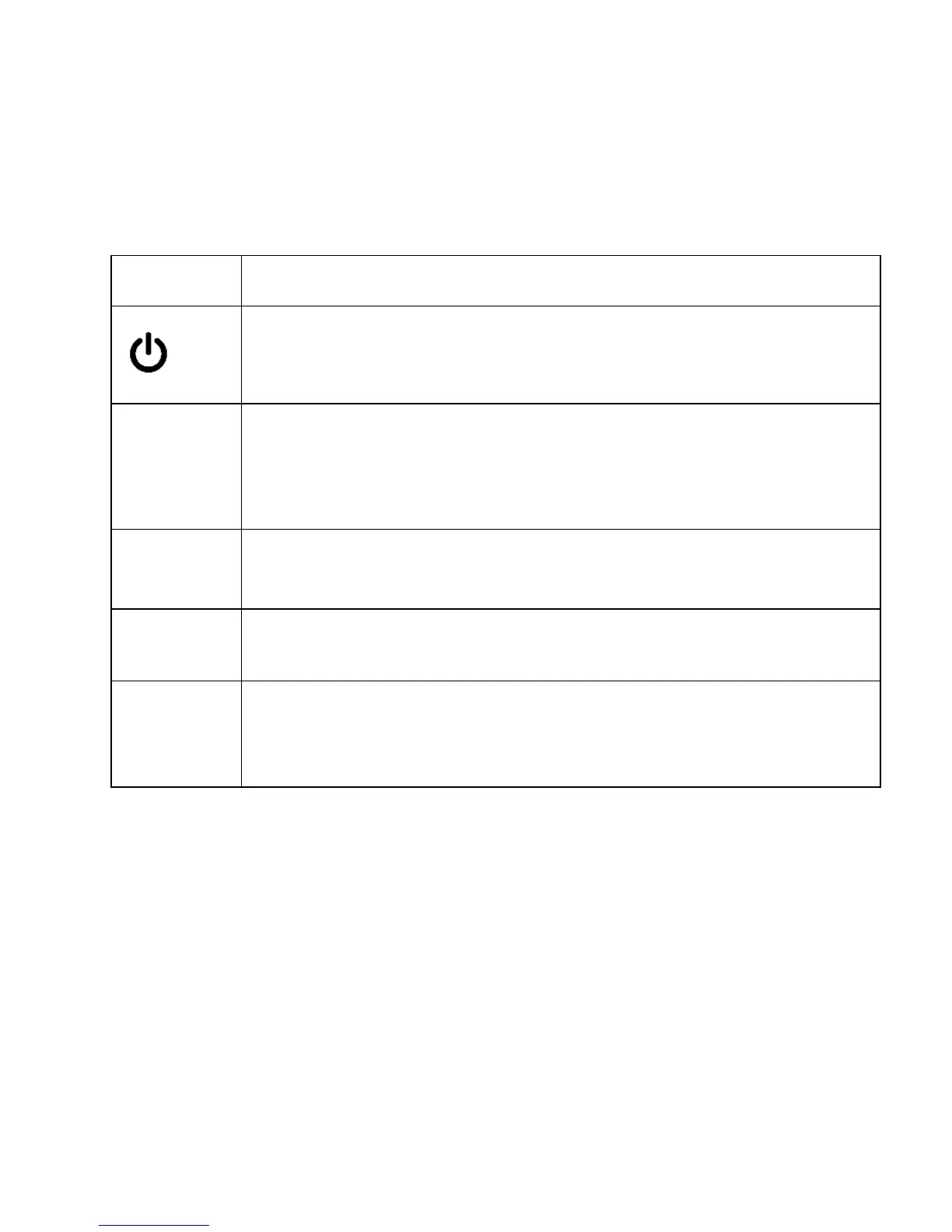
Buttons
Button Functions
| OK
• When in settings: Press to confirm a selection
• Hold to turn the device on or off
• Press to start / stop recording
• When not recording: Press to toggle between Recording /
Photo / Playback modes
• When recording: Emergency Lock (Press to manually lock
the file during recording)
▲
• When in settings: Press to navigate UP
• When recording: Press to zoom in
When in settings: Press to navigate DOWN
• When recording: Press to zoom out
MENU
• When not recording: Press to enter and exit settings menu
• When not recording: Hold to turn on Wi-Fi mode



 To Next Page