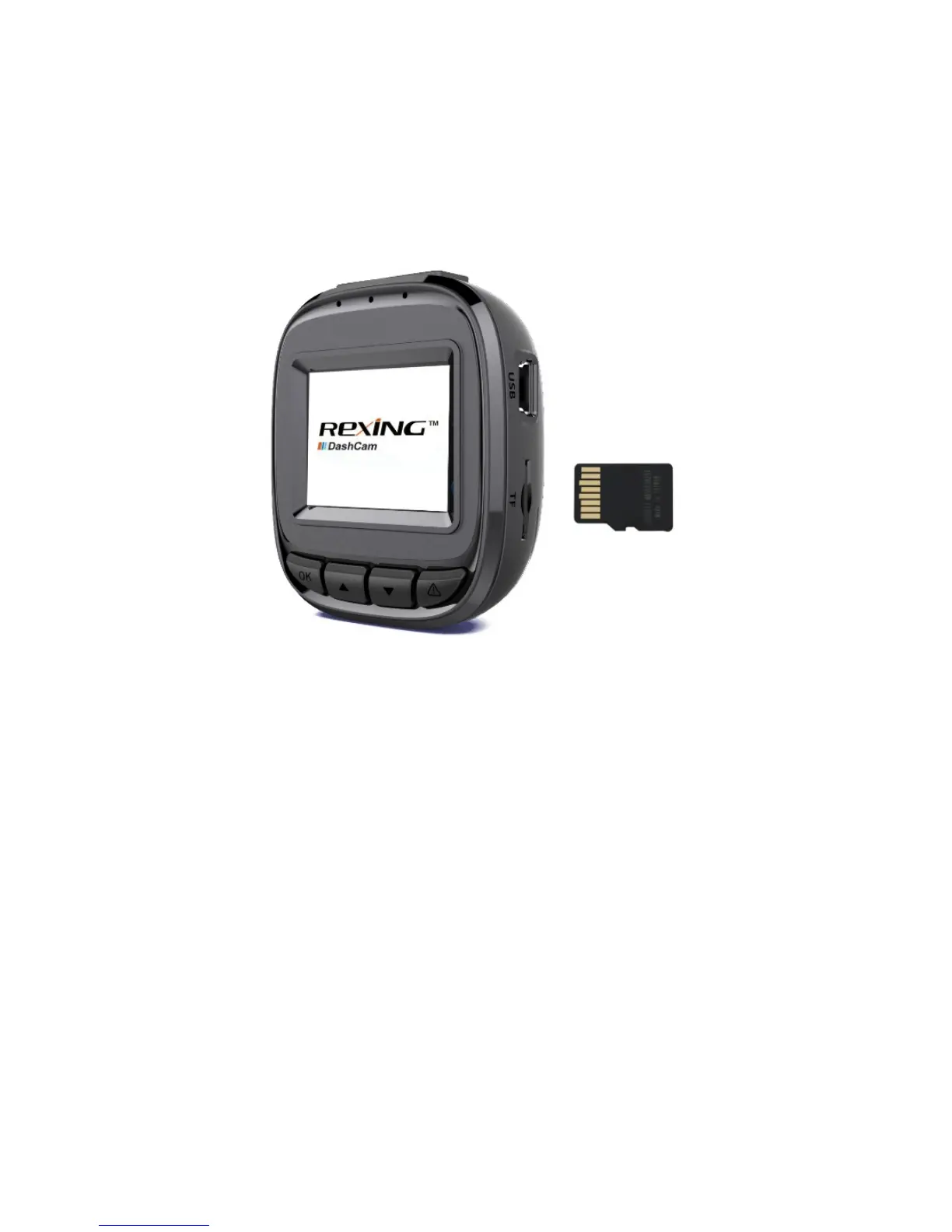
Getting Started
Installing your F10 Dashboard Camera
24
©2017 REXING All Rights Reserved.
It is recommended that you reformat a memory card after every time the
images are transferred to a computer, or at least once a month.
Reformatting a memory card keeps important elements of data and file structure
clean, helping to prevent error messages and missing images. Reformatting
also restores the memory card, which can help prevent it from becoming
corrupted. For best results, format the memory card using the camera’s format
function found in the settings menu (See: Page 26).



 To Next Page