11
3.4 Menu Setting
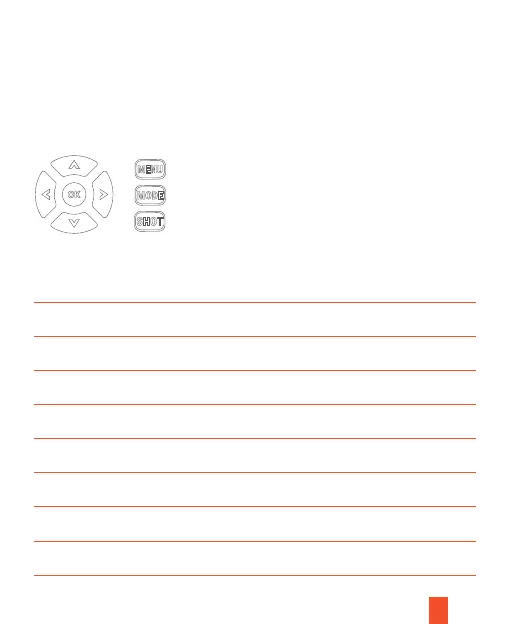
Press MENU button to enter menu setting, press UP / DOWN button to choose and
press OK button to enter submenu.
Under submenu, press UP / DOWN button to choose and press OK button to confirm .
Press MENU button to return to the previous menu.
Menu
PhotoMenu
12MPPhoto Resolution
OnAudio Recording
5 secondsShot Lag
1 photoPhoto Series
1920x1080PVideo Resolution
10 secondsVideo Length
Default Setting Description
OnSide Motion Sensors
Photo / Video / Photo & Video
16MP/12MP/8MP/5MP/3MP/2MP/VGA
On/Off
5 seconds ~ 60minutes
1 photo / 2 photos / 3 photos
1080P/720P/VGA
3 seconds~10 minutes
On/Off



 To Next Page