3.1 Install SD card
10
3. Getting Started
Open the latches and front housing , insert the SD card, push it until hearing a
“Click” sound.
3.2 Install AA Battery
Use 4 pcs or 8 pcs AA battery to power on the device.
a. Open the latches and remove battery cover .
b. Install 8 pcs AA batteries according to the polarity sign on the battery
compartment. If only use 4 pcs batteries, please install them in the top or in
the bottom of batteries compartments.
c. Secure the battery cover.
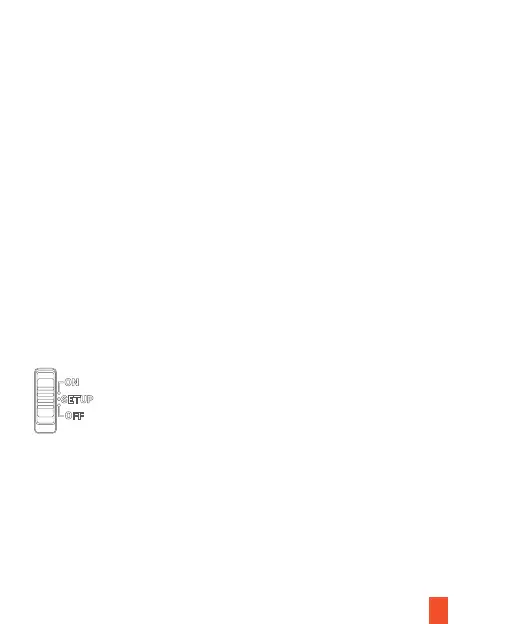
3.3 Setting the camera - SETUP Gear
Push the SWITCH button to SETUP gear. On this gear, users can modify the settings.



 To Next Page