13
• Timing Photo is Timing for photo, it can be set to take 1 photo every 3 seconds
to 24 hours;
• Timing Video is timing for video, it can be set to record a video from 3 seconds
to 120 seconds every 3 seconds to 24 hours;
Mode
Timelapse (Photo)
Timelapse (Video)
Timing Photo
Timing Video
Exit
MENU
Select
Timelapse
Hr : Min : Sec
Set
Target recording day
Tuesday
Thursday
Saturday
Monday
Wednesday
Mode: Select
Friday
Set
toogle
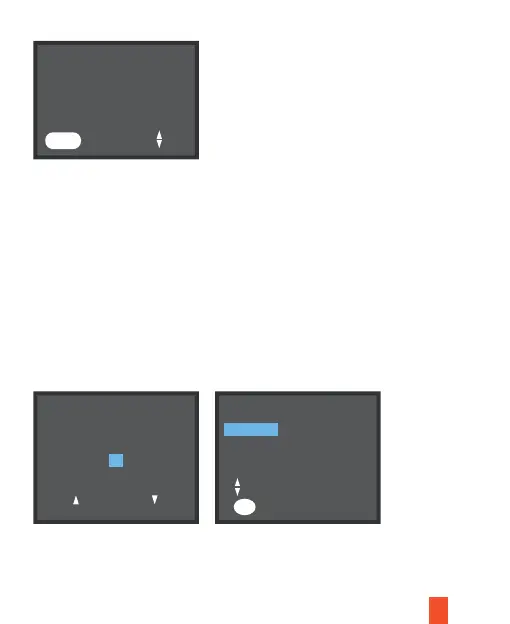
Press OK button to set the day of the week and set the interval time for Timing;
After setting, return to the main interface and short press the power button. The
screen will prompt a 15-second countdown after the time-lapse starts. After the
countdown is over, it will enter the time-lapse and Timing mode. Enter the time-lapse
mode and the camera will shoot according to the time you set; short press the
power button again to stop time-lapse shooting.
00:02:00
OK
Sunday



 To Next Page