10
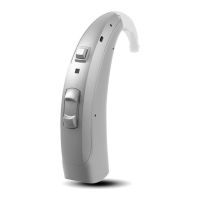
POWER BTE INSTRUMENTS
R/L Indicators, Power On/Off, Programming Socket, Type Plate,
Accessing Audio Input
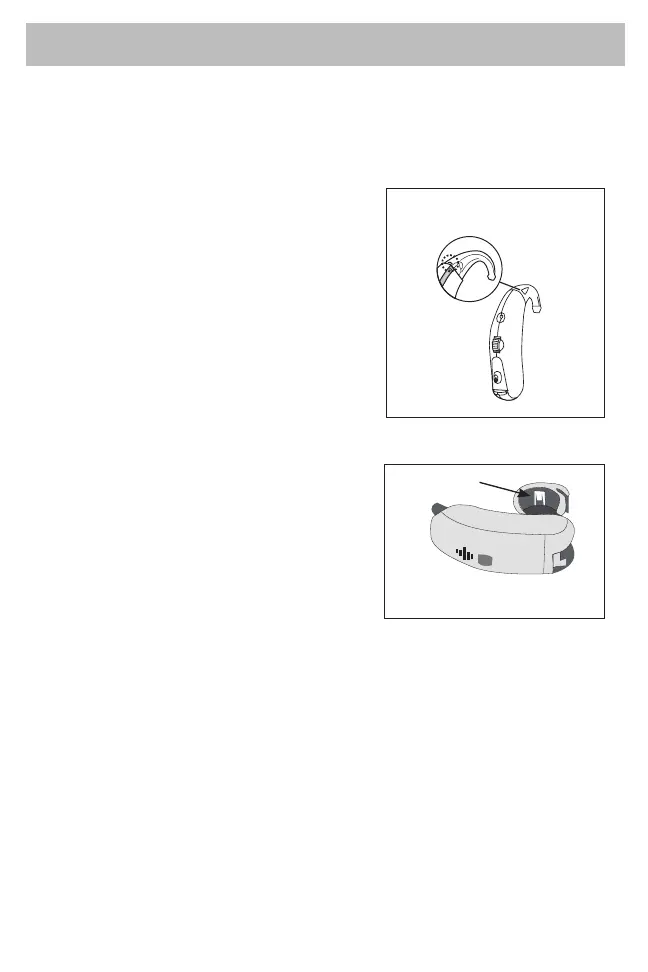
INSERTING R/L EAR INDICATOR
For Power products, remove the earhook
and insert the appropriate marker in the
small, curved holder at the top of the ear
hook.
ACCESSING AUDIO INPUT
Remove the Rexton name plate located on the belly of the BTE. Using a
small screwdriver, place the screwdriver into the notch above the name
plate and pop-off the plate.
R/L Ear Indicator
INSERTING R/L EAR INDICATOR
Open the battery compartment and
locate the white marker that comes
with the hearing aid from factory.
Remove the white color marker, using
a small screwdriver or tweezers, and
replace with the red or blue marker.
R/L Ear Indicator







 To Next Page