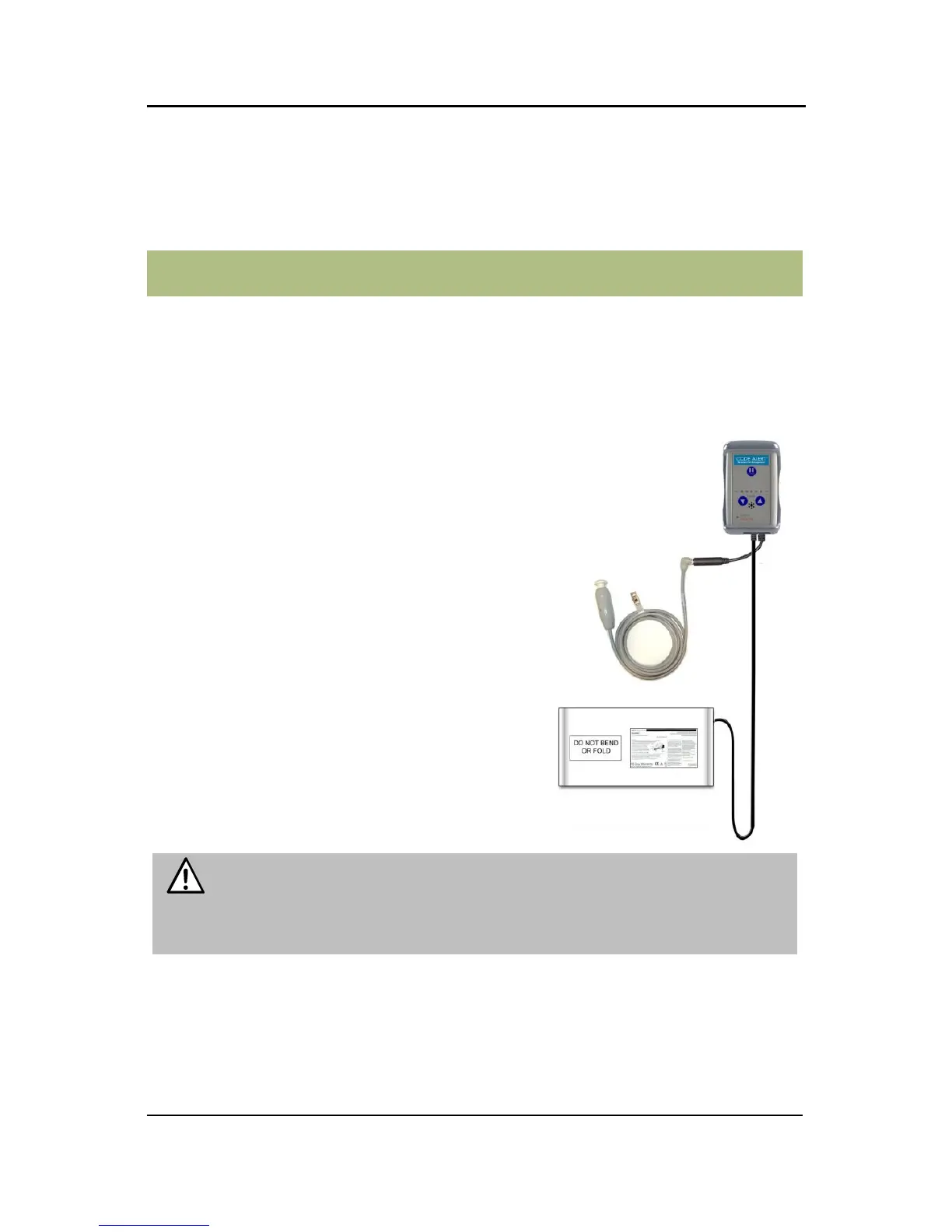
The CA630 System has been designed to alert
caregivers of a potential fall situation. The
control unit, sensor pad and accessories
function as a stand-alone system or can be
configured to interface with RF Technologies
software version 7.0.8.2 and above. When
interfaced with the software, a Fall alarm is
activated in response to the applicable event.
The CA630 can be supervised; a routine signal
is sent from the transceiver and if the signal is
not received by the software, a Device Fault
event is generated in the Event List at the Client
computer. The default check-in time is 140
seconds but can be configured in the software
(refer to the applicable Software Administrator
Guide).
WARNING: The CA630 System may not be suitable for residents
who are “AT HIGH RISK FOR FALL.” Other monitoring measures
may also be required. The CA630 System should not be a substitute
for a routine visual monitoring protocol by caregiving personnel.



 To Next Page