CHAPTER 1 System Overview
CA630 In-Service Manual Guide Page 7 of 23
0510-1116-C
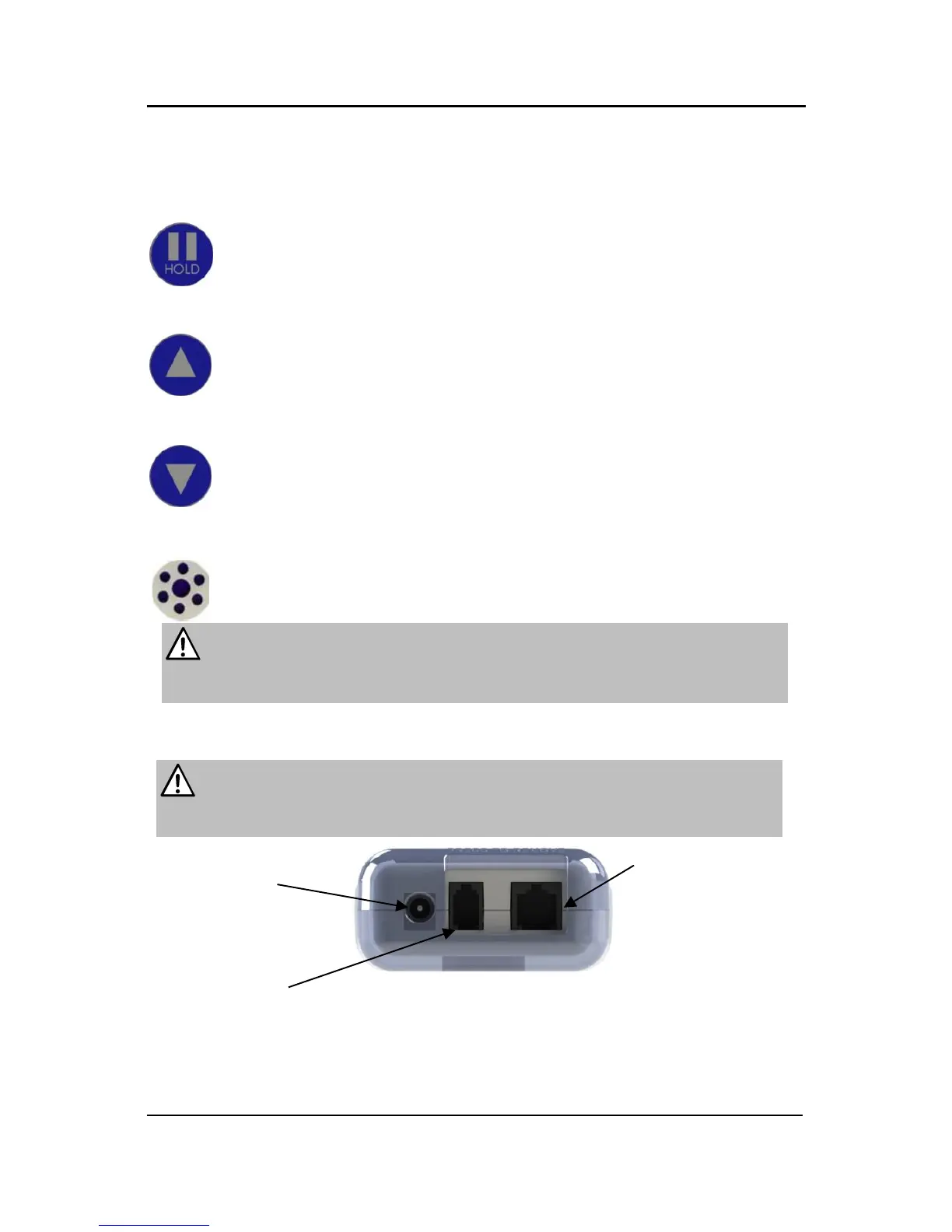
Control Unit Buttons
HOLD—Press this button to silence any alarm.
VOLUME UP—Press this button to turn the volume of the alarm up.
VOLUME DOWN—Press this button to adjust the volume of the alarm down.
BUZZER—Holes used for sound output.
WARNING: Do not cover the holes or insert any objects in the holes for
the Buzzer. This may prevent the caregiver from hearing the alarm or it may
damage the unit.
WARNING: Do not plug anything into the respective jacks other than
RF Technologies’ approved pads, cables and adapters (refer to the
Supplies section). Doing so will void the warranty.



 To Next Page