CHAPTER 1 System Overview
Page 8 of 23 CA630 In-Service Manual
0510-1116-C
POWER SUPPLY JACK— Connect the optional AC Adapter for continuous
use.
WARNING: Use 9V battery as a source of backup power when
using the optional AC Adaptor to reduce inadvertent power loss to
the control unit.
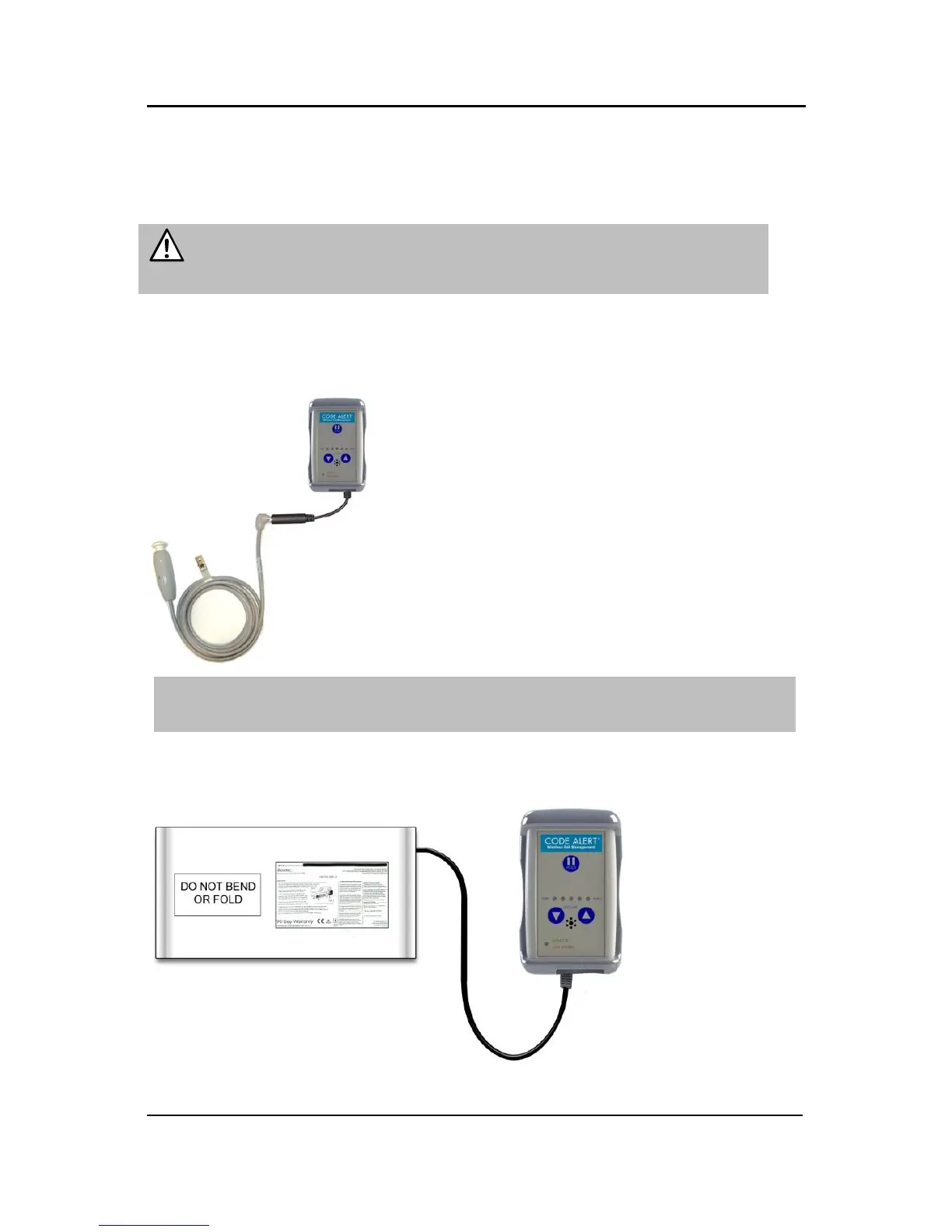
NURSE CALL JACK —If using the control unit for Nurse Call, connect the
Nurse Call modular jack cable. Then plug the Nurse Call cord set into the
modular jack. Nurse Call monitoring starts when the cord set is connected.
NOTE: False nurse calls may occur if not positioned properly. Press the Hold button
before removing the Nurse Call modular jack cable to avoid getting a Tamper alarm.
SENSOR PAD—If using the control unit for Fall Alert, insert the Sensor Pad
connector here (for bed or chair).



 To Next Page