CHAPTER 2 Set Up
CA630 In-Service Manual Guide Page 11 of 23
0510-1116-C
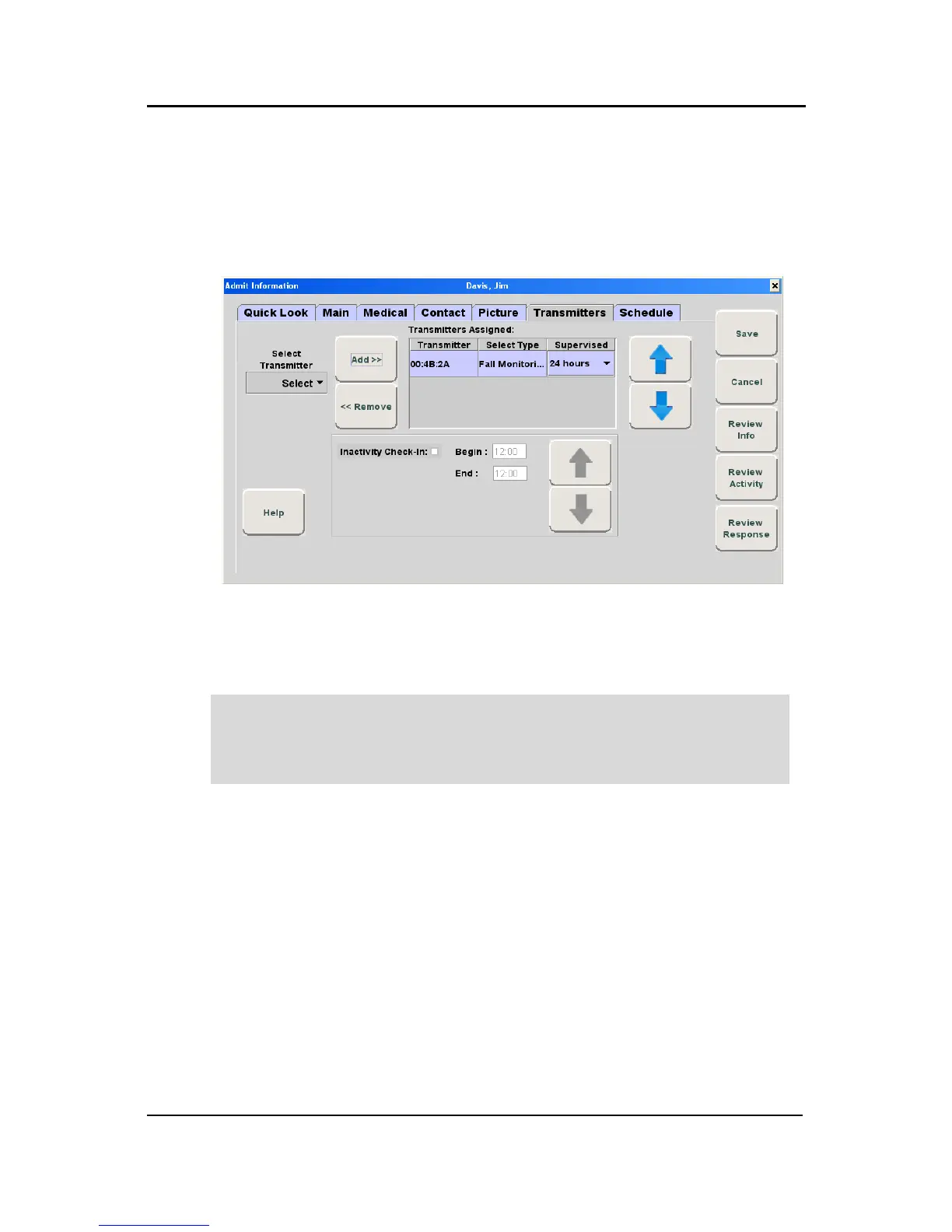
6. Select the Transmitter ID number (printed on device) from the pull-
down.
7. Click Add.
The transmitter will appear under the Transmitters Assigned field.
8. The Select Type field is populated with Fall Monitoring.
9. For the CA630, the Supervised time defaults to the unit’s Transmitter
Supervise Time, set during configuration. However, you can select a
different time from the drop-down list.
NOTE: To ensure supervision configuration changes are accepted
by the CA630, it is important to alarm the CA630 after a change in
device configuration.



 To Next Page