EasyManua.ls Logo

Ricatech RC800 - User Manual

Ricatech RC800
16 pages
Print Icon
To Next Page IconTo Next Page
Loading...
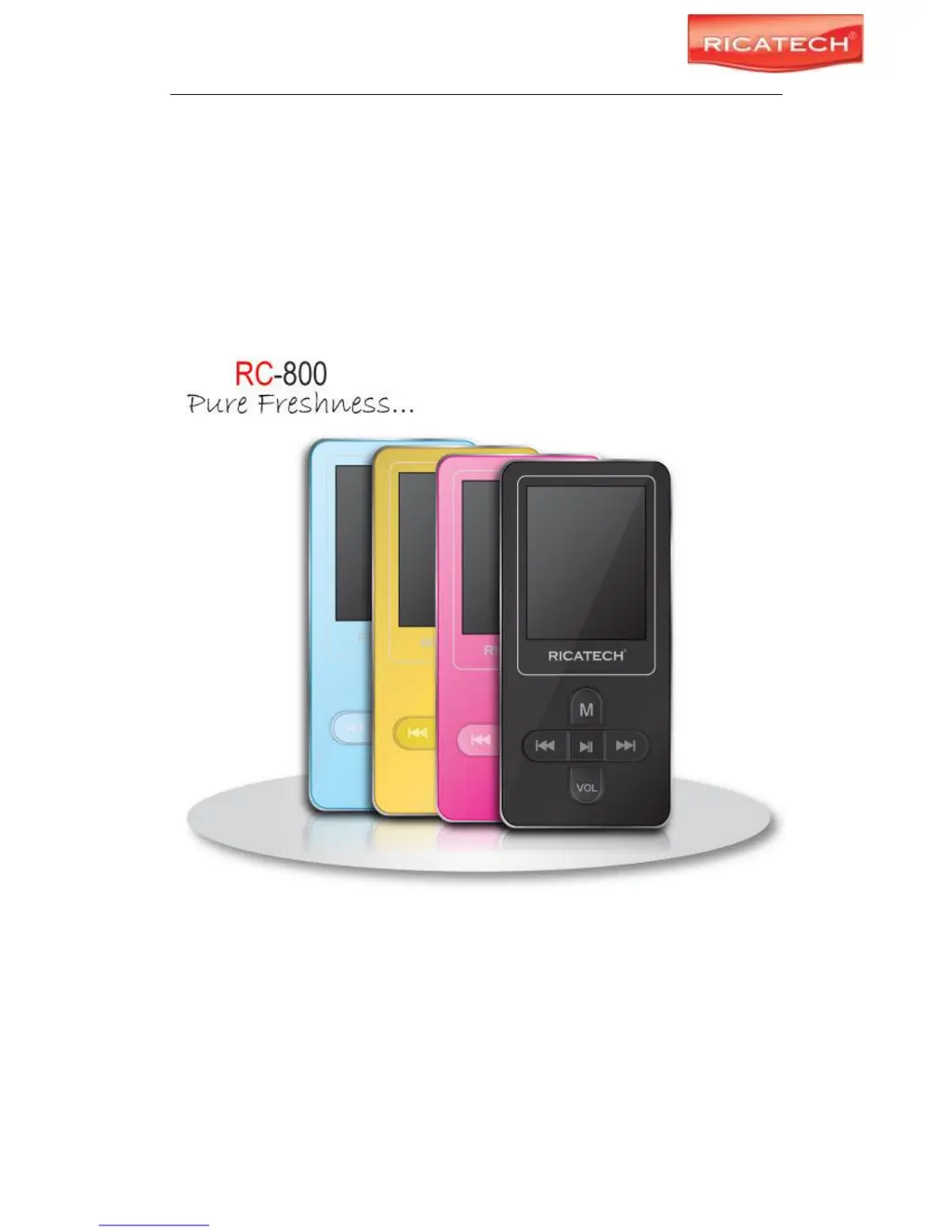
RICATECH RC800 MP4 PLAYER USER GUIDE
Page 1 of 16
RICATECH RC800 PORTABLE MP4 PLAYER
RC800

Questions and Answers

  • E
    Elizabeth KellyAug 12, 2025
    What to do if there is no sound on my Ricatech RC800 MP3 Player?
    • C
      Cory MartinezAug 12, 2025
      If you're not getting any sound when playing an audio file on your Ricatech MP3 Player, the volume might be too low. Try adjusting the volume. Alternatively, the audio file itself could be bad; in that case, try deleting or skipping the file.
  • N
    Nathan PerezAug 16, 2025
    Why can't I play videos on my Ricatech RC800 MP3 Player?
    • J
      Jennifer JacobsAug 16, 2025
      If your Ricatech MP3 Player won't play a video, the file format might not be supported. Ensure the video is in AVI format; if not, use the provided converting tool to convert it. Also, the video data could be corrupted, so try skipping the file or reloading another one.
  • B
    brileyAug 19, 2025
    Why some MP3 files won't play properly on my Ricatech RC800?
    • J
      James CooperAug 19, 2025
      Some MP3 files might not play properly on your Ricatech MP3 Player if they are compressed by a standard (such as MPEG I Layer 1 or Layer 2) that the player doesn't support. You can either delete the unsupported MP3 files or use the MPEG I Layer 3 standard to compress them.
  • A
    allenjamesAug 23, 2025
    What to do if a photo cannot be displayed on Ricatech MP3 Player?
    • L
      Lisa GrantAug 23, 2025
      If your Ricatech MP3 Player can't display a photo, it might be due to an unsupported file format. Try using an image editor (like ACDSee) to convert it. Another reason might be that the image resolution exceeds the device's limit. The device supports a maximum resolution of 3520 X 2816, so make sure the image resolution doesn't exceed this.
  • W
    wendygarrettAug 27, 2025
    How to fix a blank LCD screen on my Ricatech MP3 Player?
    • W
      wellssarahAug 27, 2025
      If the LCD screen on your Ricatech MP3 Player is blank when you start the device, the battery may be too low. Try charging the battery.
  • B
    Brian HernandezAug 30, 2025
    Why does my PC show an error when I plug and unplug my Ricatech MP3 Player?
    • M
      Melissa FletcherAug 30, 2025
      If your PC shows an error when you plug and unplug your Ricatech MP3 Player, it's likely because the player was disconnected abruptly while transferring files. To avoid this, do not disconnect the player from the PC when transferring files.
  • L
    Lucas Gutierrez DVMSep 4, 2025
    Why is the displayed time changing constantly on my Ricatech RC800?
    • M
      Mark WilliamsSep 4, 2025
      If the displayed time is constantly changing on your Ricatech MP3 Player, the bit rate of the MP3 file might be changing during playback. Try using a fixed bit rate to compress the MP3 file.
  • E
    ewilliamsSep 7, 2025
    What to do if TXT file cannot be read on Ricatech RC800 MP3 Player?
    • J
      Juan GilbertSep 7, 2025
      If your Ricatech MP3 Player can't read a TXT file, the file format may not be supported. You can skip it or reload another file.

Summary

Cautions

Key Features

Before Using

Connect to PC and Download Files

Instructions for connecting the player to a computer to transfer audio files.

Safely Remove Player from PC

Procedure for safely disconnecting the MP4 player from a computer.

Charging the Battery

Guide on how to charge the device's rechargeable lithium-ion battery.

Keys Description

Power On;Off

Basic Operation

Selecting Functions

Playing Music

Playing Video Files

Viewing Photos

Voice Recording

Deleting File

FM Radio (Optional)

Customizing Settings

Troubleshooting

Ricatech RC800 Specifications

General IconGeneral
BrandRicatech
ModelRC800
CategoryMP3 Player
LanguageEnglish

Related product manuals