RICATECH RC800 MP4 PLAYER USER GUIDE
Page 6 of 16
7 Basic operation
Press the PLAY/PAUSE button to play or pause.
(1) Shortly press the VOL button until you see a red volume icon
blinking.
(2) Press the PREVIOUS/NEXT button to decrease or increase
volume.
(3) Press the VOL button again to confirm.
Shortly press the PREVIOUS button.
Shortly press the NEXT button.
Press and hold the NEXT button.
Press and hold the PREVIOUS button.
To repeat a specified section of a track,
(1) While playing, shortly press the VOL button to enter A-B repeat
mode.
(2) Press the MENU button again to select the start point.
(3) Press the MENU button again to select the end point.
To stop A-B repeat, press the MENU button, and then press the VOL
button to exit.
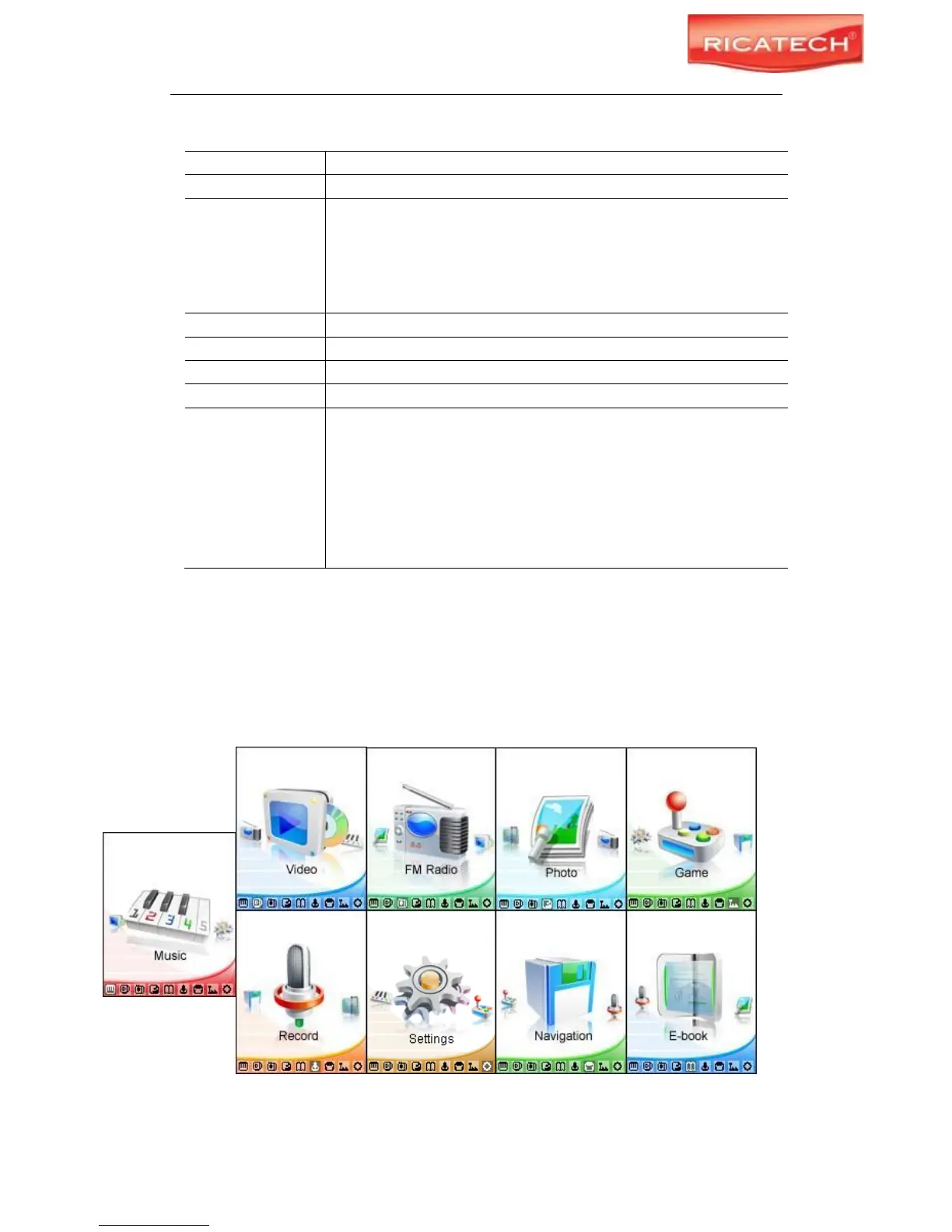
8 Selecting Functions.
Press and hold the MENU button to display the main menu. Use the PREVIOUS/NEXT button
to select a menu, and press the MENU button to confirm your selection.



 To Next Page