RICATECH RC800 MP4 PLAYER USER GUIDE
Page 7 of 16
9 Playing music
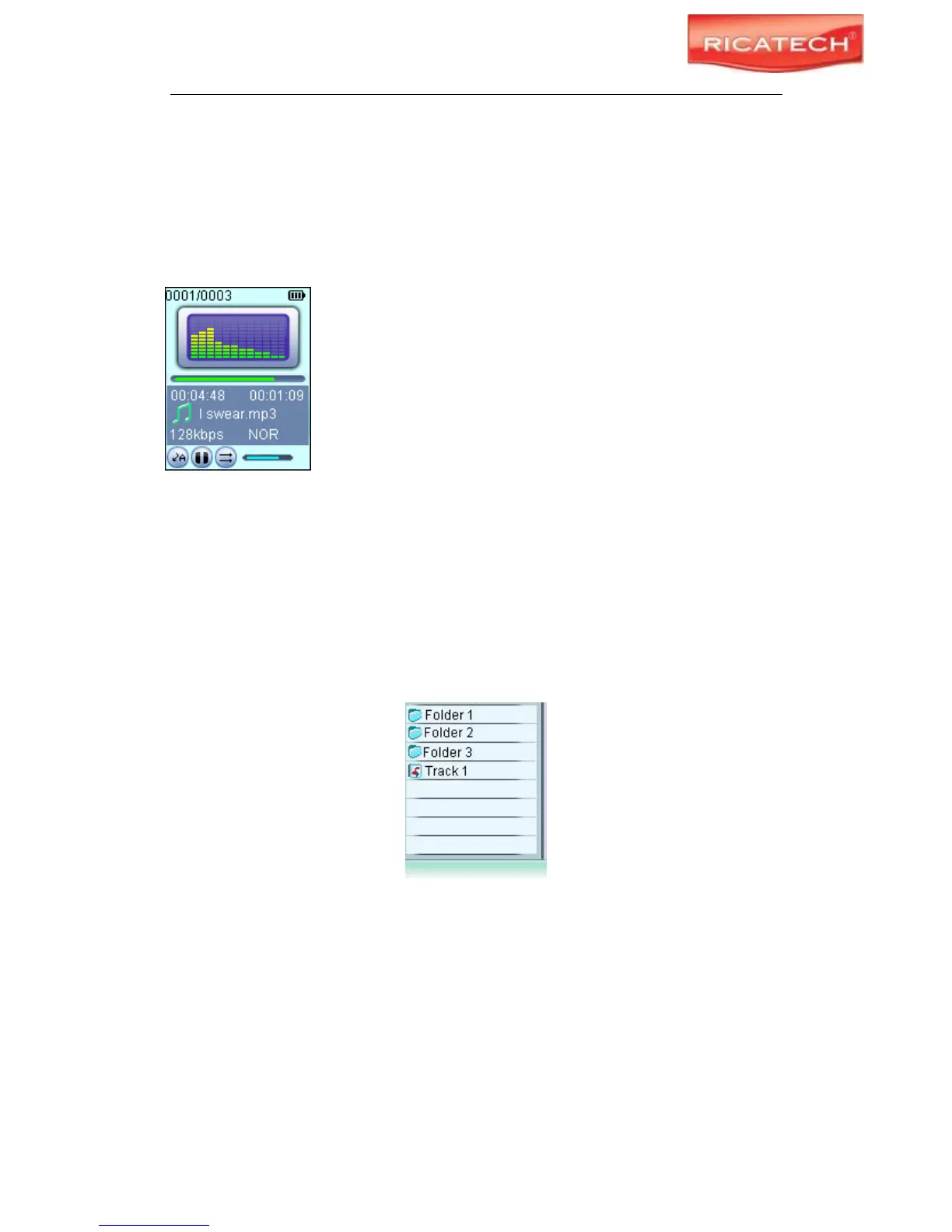
9.1 Enter the music mode
Press and hold the MENU button to display the main menu. Use the PREVIOUS/NEXT button
to select “Music” menu, and press the MENU button to confirm selection. Now you are in the
MUSIC mode, refer music playing to the basic operations.
9.2 Folder navigation
To navigate through folders:
(1) In the MUSIC mode, shortly press the MENU button to enter folder navigation mode.
(2) Press the PREVIOUS/NEXT button to select a folder or track, and press the MENU button
to confirm selection.



 To Next Page