EasyManua.ls Logo

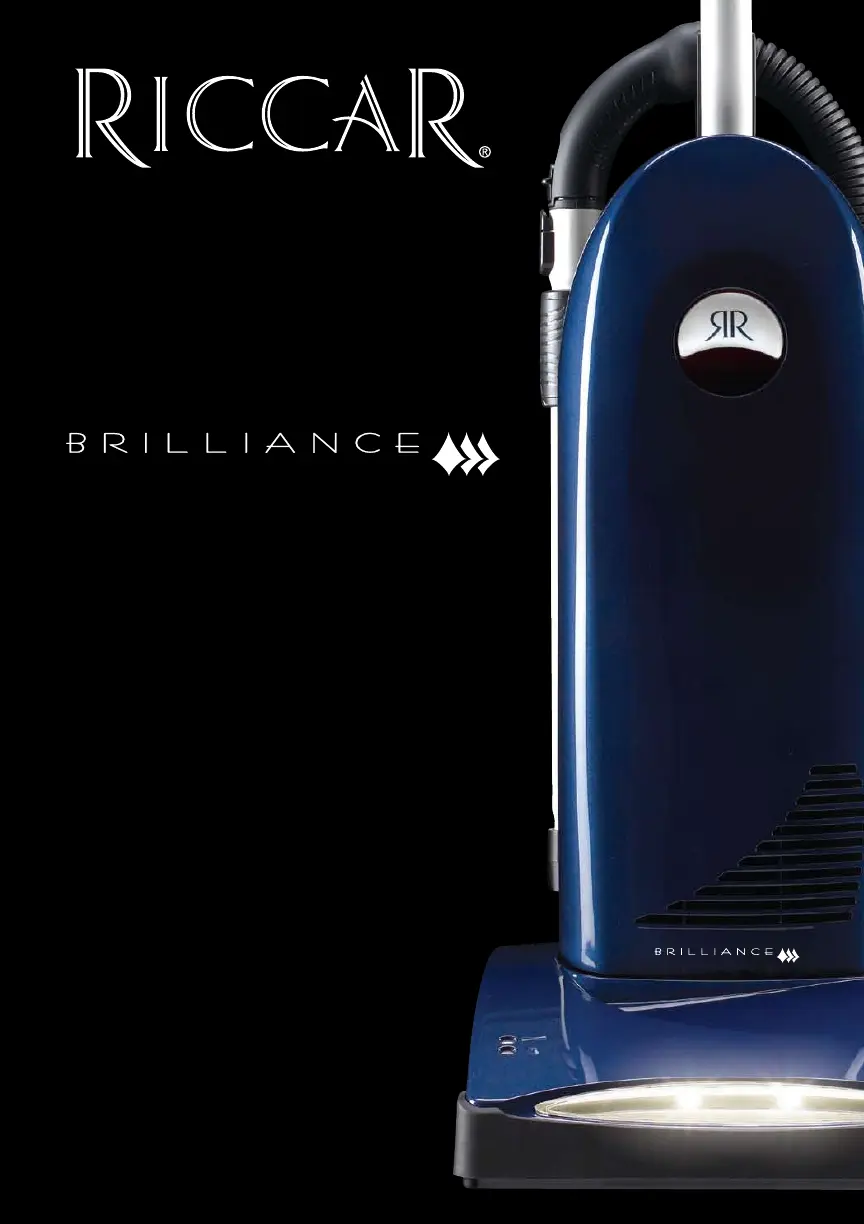
Riccar Brilliance BRLD - User Manual

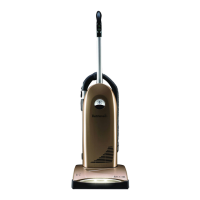
Riccar Brilliance BRLD
17 pages
Print Icon
To Next Page IconTo Next Page
Loading...
Description of the vacuum
Owner’s Manual
BRLP, BRLD & BRLS

Questions and Answers

  • C
    Christopher WilsonJul 30, 2025
    Why my Riccar Vacuum Cleaner won’t turn on?
    • M
      myersjenniferJul 30, 2025
      If your Riccar Vacuum Cleaner won’t turn on, start by ensuring the power cord is firmly plugged into the outlet. Then, check your house fuse or breaker and replace the fuse or reset the breaker if necessary. If the issue persists, it may need professional attention.
  • C
    carolynconnerAug 10, 2025
    What to do if my Riccar Vacuum Cleaner has no suction?
    • M
      mgregoryAug 10, 2025
      If your Riccar Vacuum Cleaner has low suction or won’t pick up, there are several things you can check: * Ensure the “Carpet” switch is turned on. * Replace the vacuum bag if it’s full. * Install a new filter if the current one is clogged. * Remove any obstacles from the hose. * Turn the tool activation dial to the “off” position.
  • N
    nicholskimberlySep 10, 2025
    How to stop dust escaping from my Riccar Brilliance BRLD Vacuum Cleaner?
    • T
      Tamara FisherSep 12, 2025
      If dust is escaping from your Riccar Vacuum Cleaner, make sure the dust cover is properly seated and the latch is secured. Also, review the vacuum bag installation.

Summary

Important Safety Instructions

Operation

Vacuuming carpet

How to operate the vacuum for carpet cleaning using the 'on/off' and 'carpet' switches.

Vacuuming hard surfaces

How to operate the vacuum for bare floor cleaning using the 'on/off' and 'carpet' switches.

Maintenance and Care

When to change the vacuum bag

Indicators for changing the vacuum bag, including full bag light and reduced airflow.

Replacing the vacuum bag

Step-by-step guide for removing and inserting a new vacuum bag.

When to change filters

Guidelines on filter replacement frequency based on bag usage or allergen sensitivity.

Maintenance and Care

Problem Solving Guide

Full bag or clog indicator light

Explains the function of the full bag/clog indicator light and its causes.

Thermal motor protection

Information on the vacuum's thermal protection feature and how to reset it.

Jammed brushroll

How to identify and resolve a jammed brushroll condition.

Trouble Shooting

A table listing common problems, possible reasons, and solutions.

Riccar Brilliance BRLD Specifications

General IconGeneral
TypeUpright
Weight18 lbs
Power12 Amps
Cord Length30 feet
Cleaning Path Width13 inches
Height AdjustmentYes
Onboard ToolsYes
FiltrationHEPA

Related product manuals