EasyManua.ls Logo

Riccar Brilliance R30D - User Manual

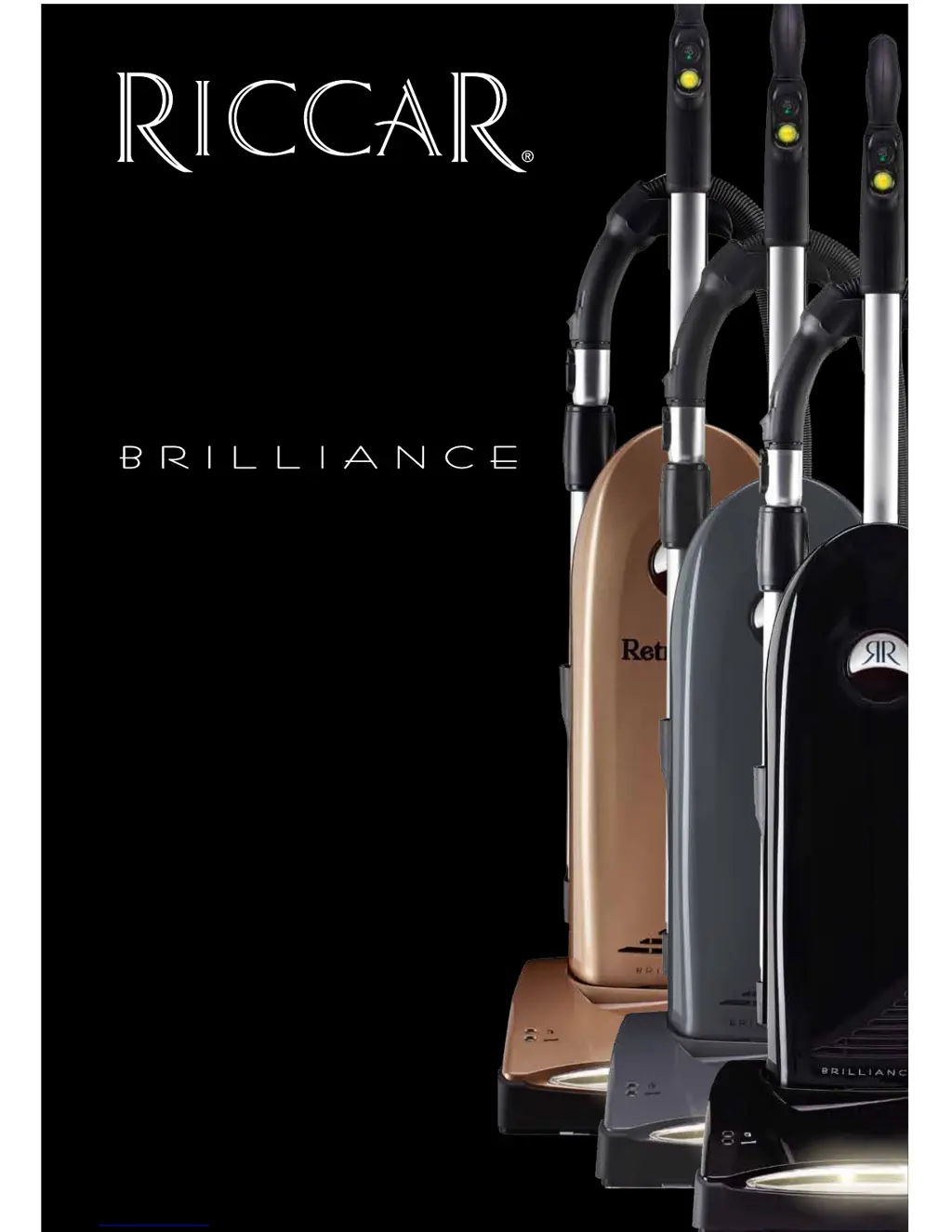
Riccar Brilliance R30D
28 pages
Print Icon
To Next Page IconTo Next Page
Loading...
Description of the vacuum
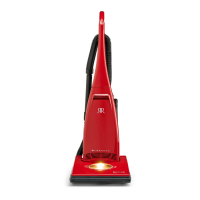
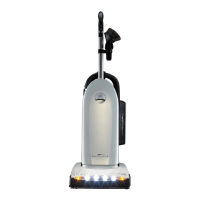
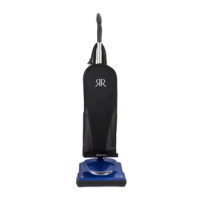
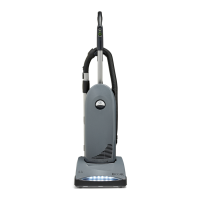
R30D, R30P & R30PET
Owners Manual

Questions and Answers

  • X
    xmendozaAug 1, 2025
    Why my Riccar Brilliance R30D Vacuum Cleaner won’t turn on?
    • B
      Brett MolinaAug 1, 2025
      If your Riccar Vacuum Cleaner won’t turn on, start by ensuring the power cord is firmly plugged into the outlet. If it still doesn’t turn on, check your house fuse or breaker and replace the fuse or reset the breaker if necessary. If neither of these steps works, it may need service by an Authorized Riccar Vacuum Retailer.
  • D
    darrenbartlettAug 11, 2025
    Why Riccar Brilliance R30D has no suction?
    • D
      David WatsonAug 11, 2025
      If your Riccar Vacuum Cleaner has low suction or won’t pick up, make sure the 'Carpet' button is illuminated. Check if the vacuum bag is full and replace it if needed. Also, inspect and replace any clogged filters. Ensure that the Tool Activation Dial is in the 'Off' position for regular carpet and floor cleaning. Clear any hose clogs by removing the obstacle. If the brushes are worn, replace the brush strips. If the belt is broken, take it to an Authorized Riccar Vacuum Retailer.
  • R
    Randy FoleyAug 21, 2025
    What to do if dust escaping from Riccar Brilliance R30D?
    • A
      Angela LawrenceAug 21, 2025
      If dust is escaping from your Riccar Vacuum Cleaner, first ensure that the dust compartment cover is properly attached and the latch is secure. Also, check that the filters are installed correctly.

Summary

Important Safety Instructions

Vacuum Components Overview

Key Controls, Indicators, and Adjustments

Identifies main operational controls, indicators, and adjustment mechanisms on the vacuum cleaner.

Vacuum Assembly and Setup

Basic Vacuum Operation

Handle Adjustment and Cleaning Modes

How to adjust the handle and select cleaning modes for carpets and bare floors.

Using Vacuum Attachments

Maintenance: Routine Checks

Maintenance: Bag Replacement

Replacing the Vacuum Bag

Step-by-step instructions for safely removing and installing a new vacuum bag.

Maintenance: Filter Replacement

Maintenance: Filter Replacement (cont.)

Maintenance: Motor Filter and Belt

Maintenance: Brushroll Issues

Jammed Brushroll Procedure

How to resolve brushroll jams and indicator lights.

Maintenance: Thermal Protection

Thermal Motor Protection Reset

How to handle thermal motor shut-off and reset the system.

Troubleshooting and Best Performance

Common Problems and Solutions

A guide to diagnosing and resolving common vacuum problems.

Warranty Information

Riccar Brilliance R30D Specifications

General IconGeneral
TypeUpright
Weight18 lbs
Cord Length30 feet
Cleaning Path Width13 inches
Motor Power12 amps
Bagged/BaglessBagged
Height AdjustmentYes
On-board ToolsYes
FiltrationHEPA Media

Related product manuals