EasyManua.ls Logo

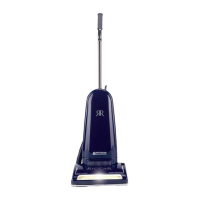
Riccar Brilliance BRLP - User Manual

Riccar Brilliance BRLP
26 pages
Print Icon
To Next Page IconTo Next Page
Loading...
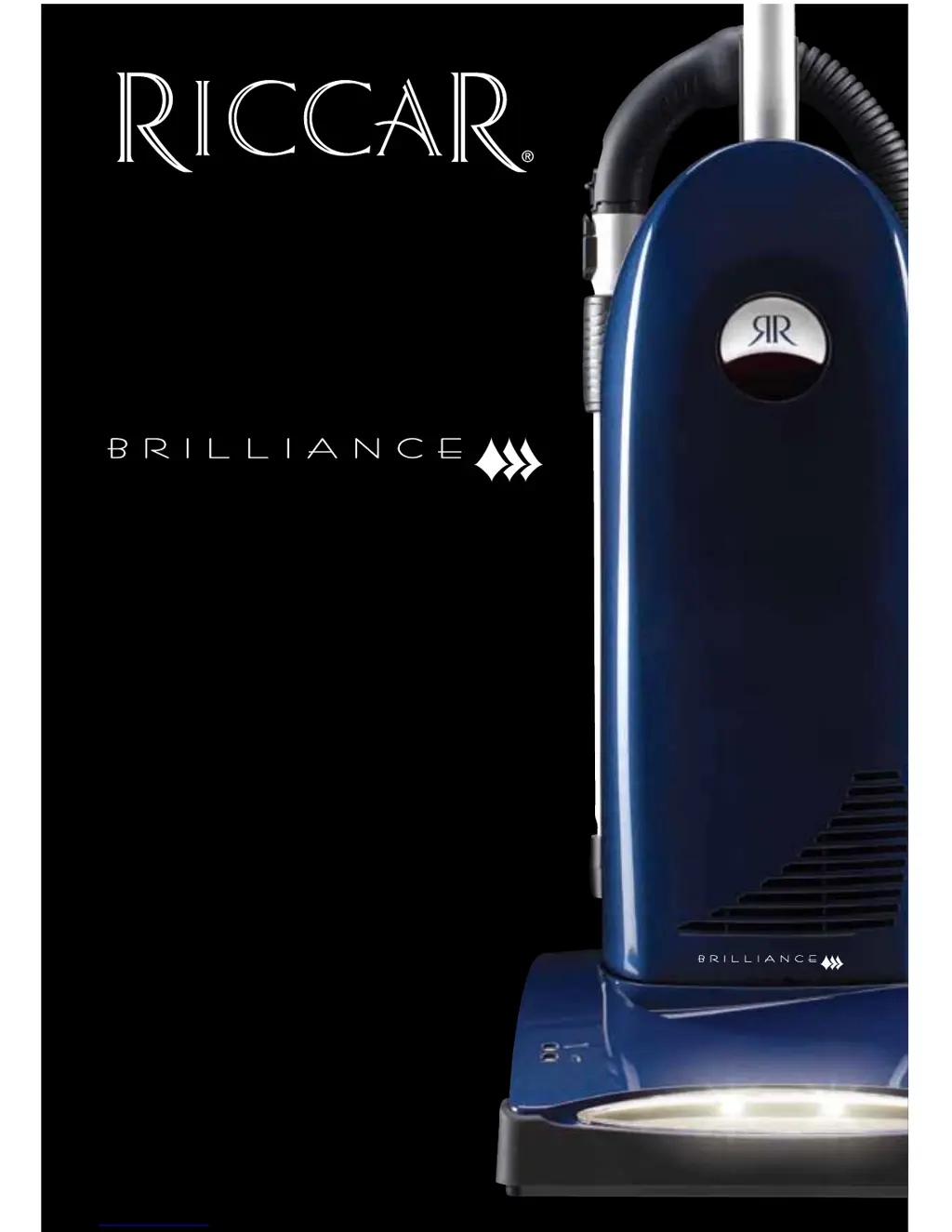
Description of the vacuum
Owner’s Manual
BRLP, BRLD, BRLS &
RETRIEVER

Questions and Answers

  • J
    Joseph HigginsAug 1, 2025
    Why my Riccar Vacuum Cleaner won't turn on?
    • R
      Robert RileyAug 1, 2025
      Your Riccar Vacuum Cleaner might not be turning on due to a few reasons. First, ensure the power cord is firmly plugged into the outlet. Also, check your house fuse or breaker and replace the fuse or reset the breaker if necessary. If these steps don't work, it may need professional attention.
  • E
    emilymorrowAug 7, 2025
    What to do if Riccar Brilliance BRLP still won't turn on after checking power?
    • R
      Rita GonzalesAug 7, 2025
      If your Riccar Vacuum Cleaner still isn't turning on after checking the power cord and the fuse/breaker, it likely needs professional service.
  • C
    Christopher MiddletonAug 12, 2025
    How to improve suction on my Riccar Vacuum Cleaner?
    • J
      John ButlerAug 12, 2025
      If your Riccar Vacuum Cleaner has low suction, there are several things you can check: * Ensure the “Carpet” switch is turned on. * Replace the vacuum bag if it's full. * Install a new filter if the current one is clogged. * Remove any obstacles blocking the hose. * Replace the brush strips if the brushroll is worn. * Turn the tool activation dial to the “off” position.
  • H
    Heidi CollinsAug 19, 2025
    What to do if dust is escaping from my Riccar Brilliance BRLP?
    • R
      Rachel SmithAug 20, 2025
      If dust is escaping from your Riccar Vacuum Cleaner, make sure the dust cover is correctly seated and the latch is secured. Check that the vacuum bag is correctly installed.
  • C
    Carol YorkAug 25, 2025
    Why does my Riccar Brilliance BRLP Vacuum Cleaner have low suction even with a new bag?
    • N
      Nicole KingAug 26, 2025
      If your Riccar Vacuum Cleaner has low suction even with a new bag, consider these possible causes: * The “Carpet” switch may not be on. * The filter might be clogged, requiring replacement. * There could be a clog in the hose that needs to be removed. * The brushroll may be worn, needing replacement. * The tool activation dial might be turned on.

Summary

Important Safety Instructions

Operation

Vacuuming carpet

Instructions for cleaning carpet using the vacuum cleaner.

Vacuuming hard surfaces

Instructions for cleaning hard floors like tile, wood, or linoleum.

Attachment Cleaning

Maintenance and Care

When to change vacuum bag

Indicators and reasons for replacing the vacuum bag due to fullness or clogs.

Replacing vacuum bag

Step-by-step guide for removing and inserting a new vacuum bag.

Problem Solving Guide

Full bag or clog indicator light

Troubleshooting the full bag or clog indicator light on the vacuum.

Jammed brushroll

What to do if the brushroll becomes jammed with debris.

Thermal motor protection

Understanding and resetting the vacuum's thermal motor protection feature.

Trouble Shooting

Table of common problems and their possible solutions.

Warranty

Riccar Brilliance BRLP Specifications

General IconGeneral
BrandRiccar
ModelBrilliance BRLP
CategoryVacuum Cleaner
LanguageEnglish

Related product manuals