132
MO-C1 Training
Slide 132
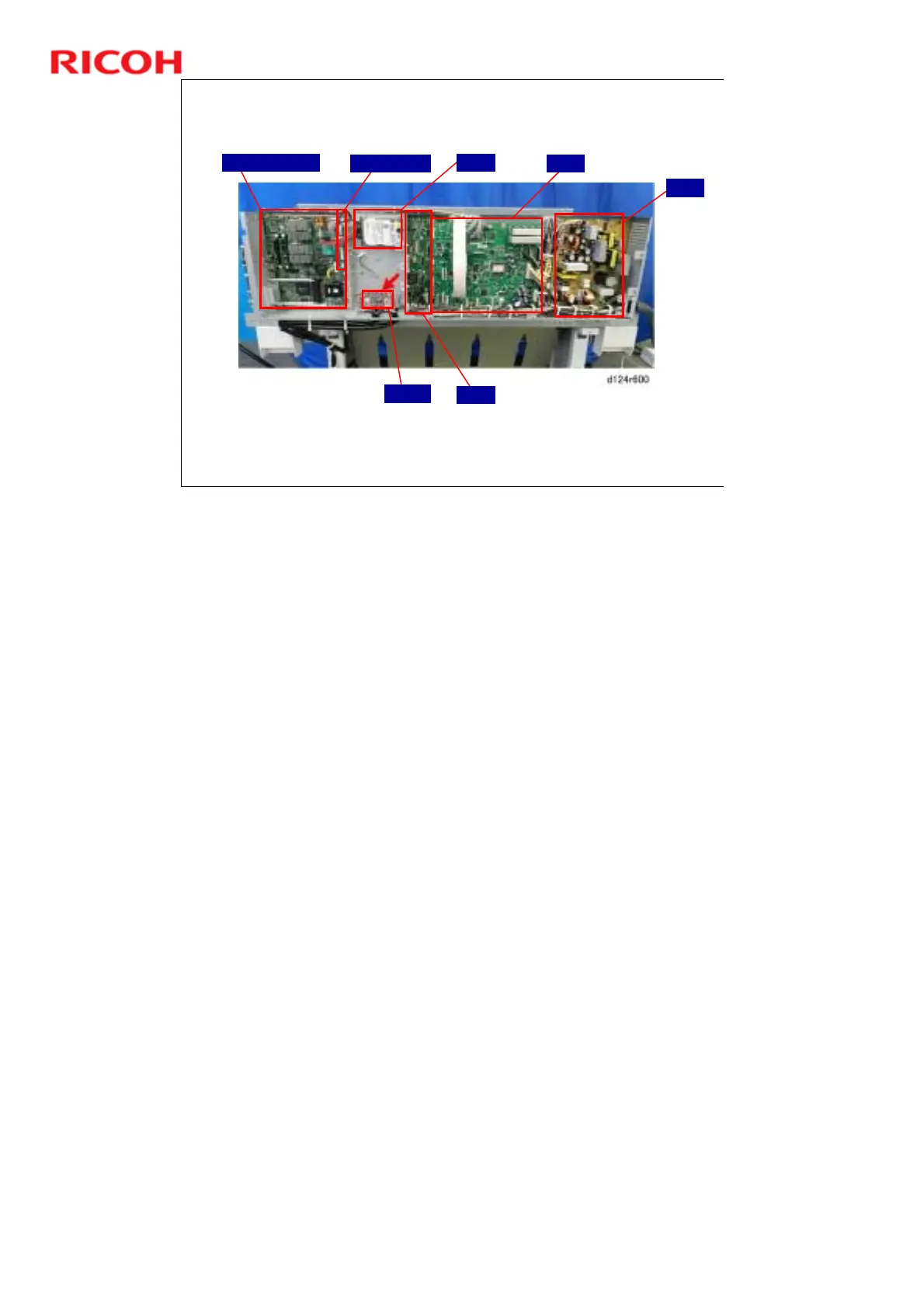
Locations of Major Electrical Components
View with Rear Cover Removed
PSU
MCU
RFDB
Controller Board
Mother Board
HDD
IPU
The motherboard is mounted sideways between the controller board and the
HDD bracket, so it is not easy to see.
The IPU is mounted behind the MCU and the HDD bracket, so only part of it is
visible in this photo.
The HRB board is inside the carriage unit.



 To Next Page