14
MO-C1 Training
Slide 14
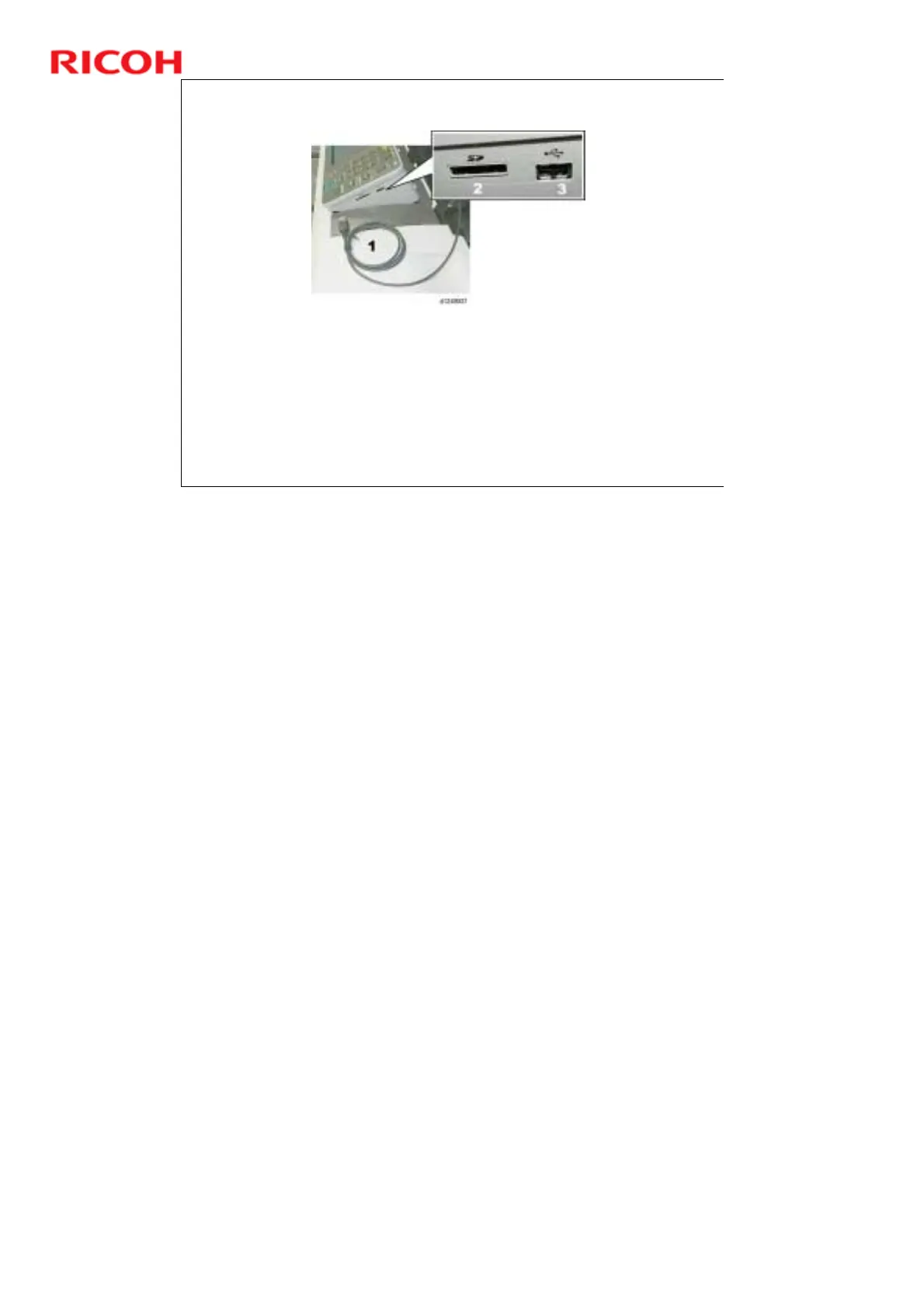
USB Cable, USB/SD Card Slots
A USB cable [1] is permanently attached to the back of the operation panel.
The end of this USB cable is plugged into the USB Host slot of the machine
controller on the right side of the machine.
Two slots are provided to input scanned documents, an SD card slot [2] and a USB
memory device slot [3].
These slots are used for the scan-to-media and media-to-print features.
Scan-to-media: Scanned documents can be stored on memory devices inserted into
the side of the operation panel.
Media-to-print: The user can print documents that are stored on memory devices
inserted into the side of the operation panel.
No additional notes



 To Next Page