140
MO-C1 Training
Slide 140
General Operation Sequence
2. Scanning
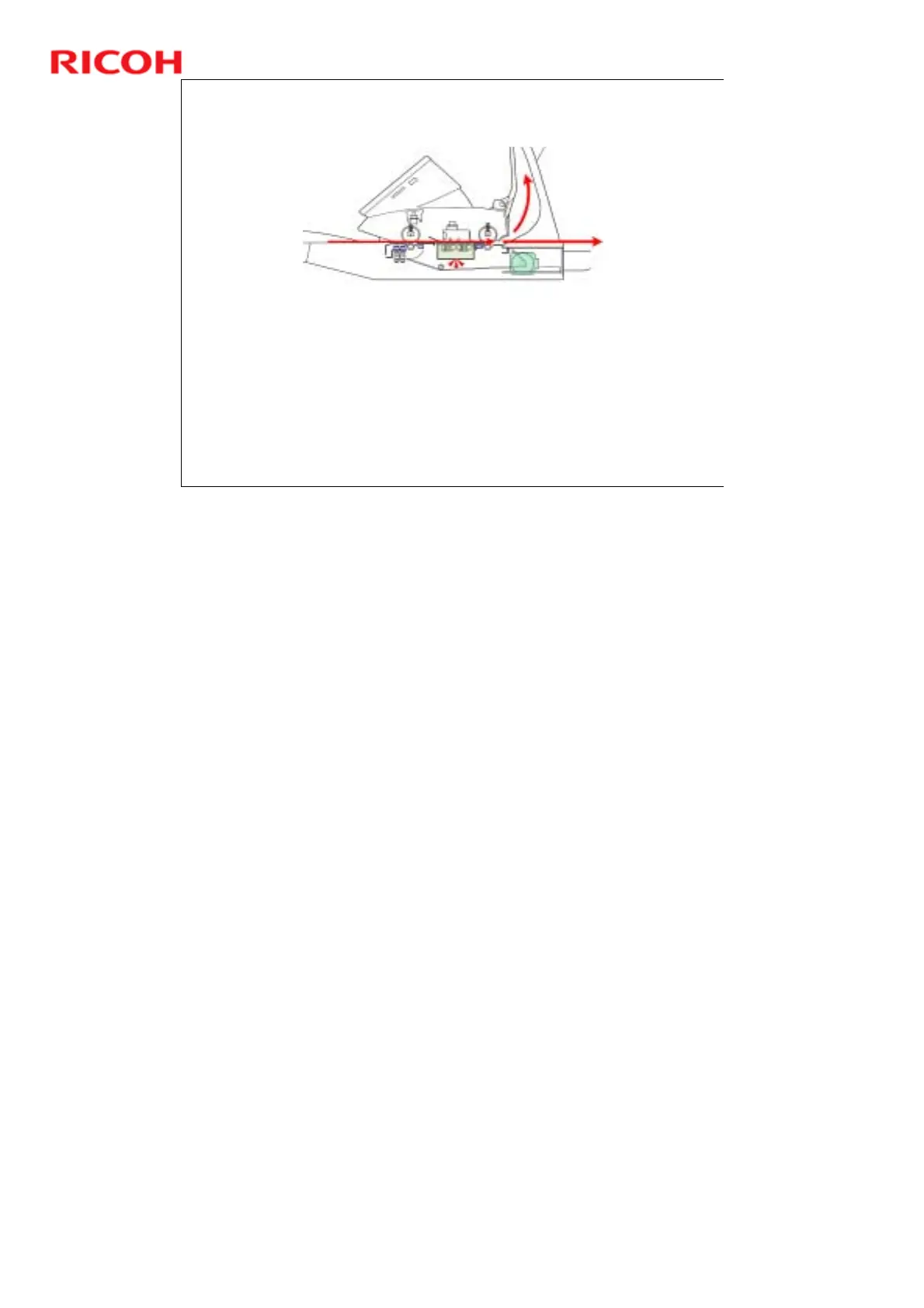
1. The operator selects the paper feed station.
2. The original is laid face down on the original table.
3. The scanner unit grabs the original and feeds it a short distance.
4. The original set sensor detects the presence of the original and the array
of original width sensors detect its width.
5. The scanner motor switches on and rotates the original entrance roller
and original exit roller to feed the paper past the CIS unit, which is below
the original path
6. The original is fed to the upper exit. If the original guide has been
removed, the original feeds straight out the back of the machine.
No additional notes



 To Next Page