17
MO-C1 Training
Slide 17
Front Cover - 1
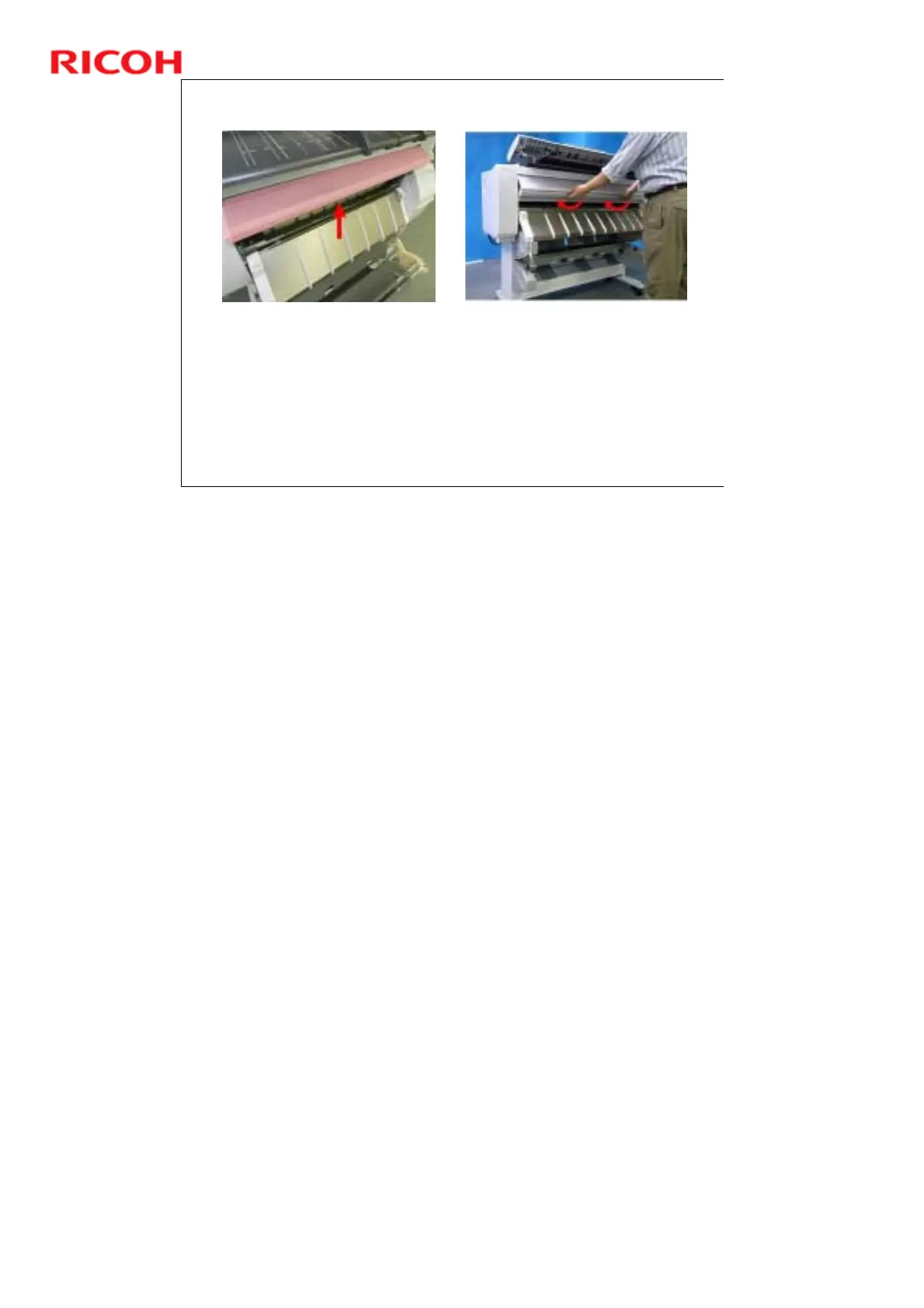
The front cover can be easily raised to expose the platen for
cleaning and jam removal.
The front cover locks in place and remains open after it has been
raised, as shown on the left.
Two sensors (micro-switches) on each end of the front cover
detect when the cover is opened and closed.
To open the front cover, lift it and then fold the bottom into the
machine so that it locks and remains open, as shown on the right.
Do not open during operation, or copying/printing will stop.
No additional notes



 To Next Page