170
MO-C1 Training
Slide 170
Scanning Sequence - 2
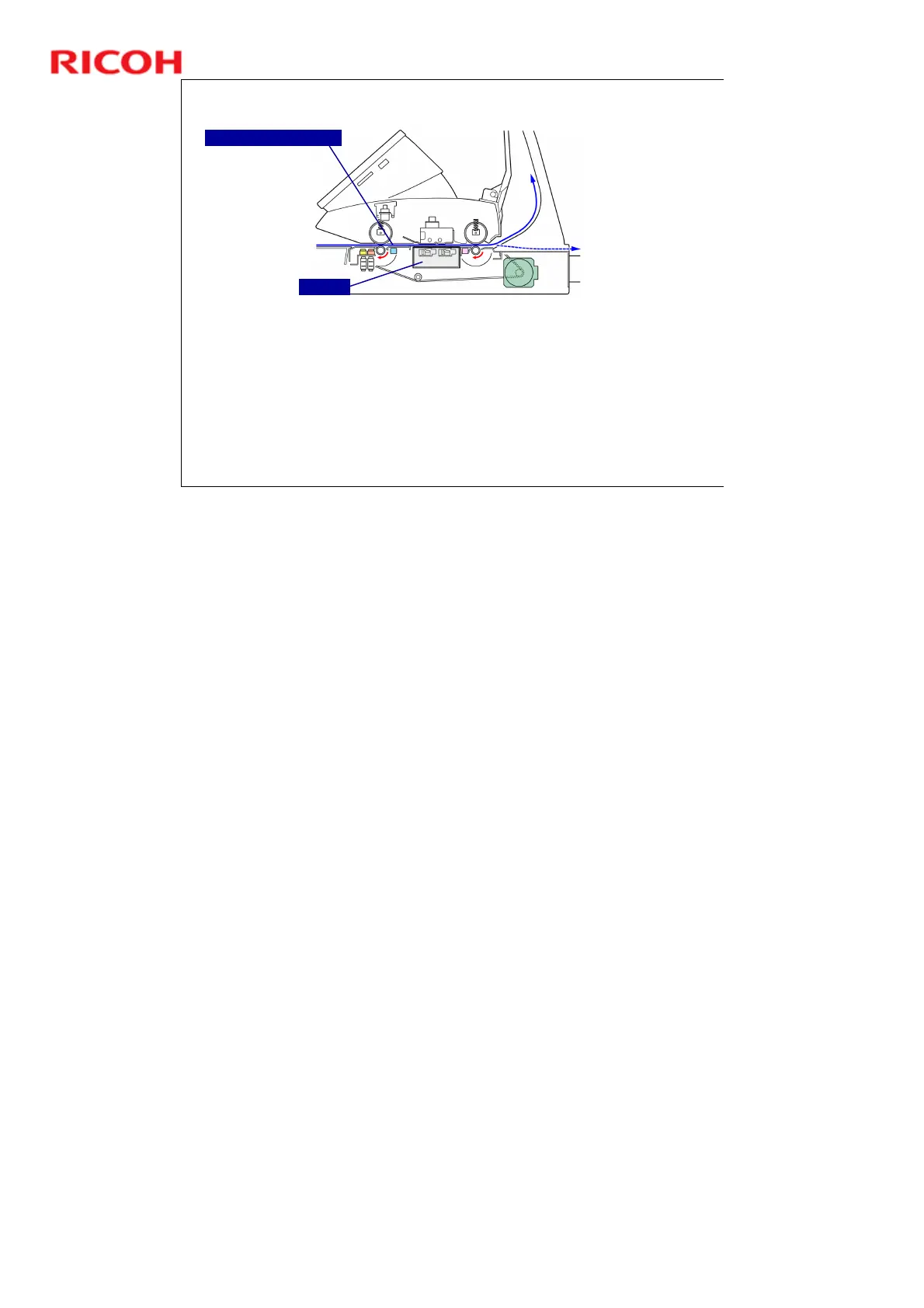
When the registration sensor detects the leading edge of the original, the
machine stops original feed again for 1 second.
This is called Delay 2. This gives the operator another chance to check
that the original is straight. If the original is not straight, the user can push
the original stop key on the right side of the scanner unit, remove the
original, and try again.
The length of time for Delay 1 and Delay 2 to pause can be adjusted with
User Tools > System Settings > General Features > Original Feed Delay.
Then the CIS (Contact Image Sensor) scans the original from below.
CIS Unit
Original Registration Sensor
No additional notes


 To Next Page
 Loading...