26
MO-C1 Training
Slide 26
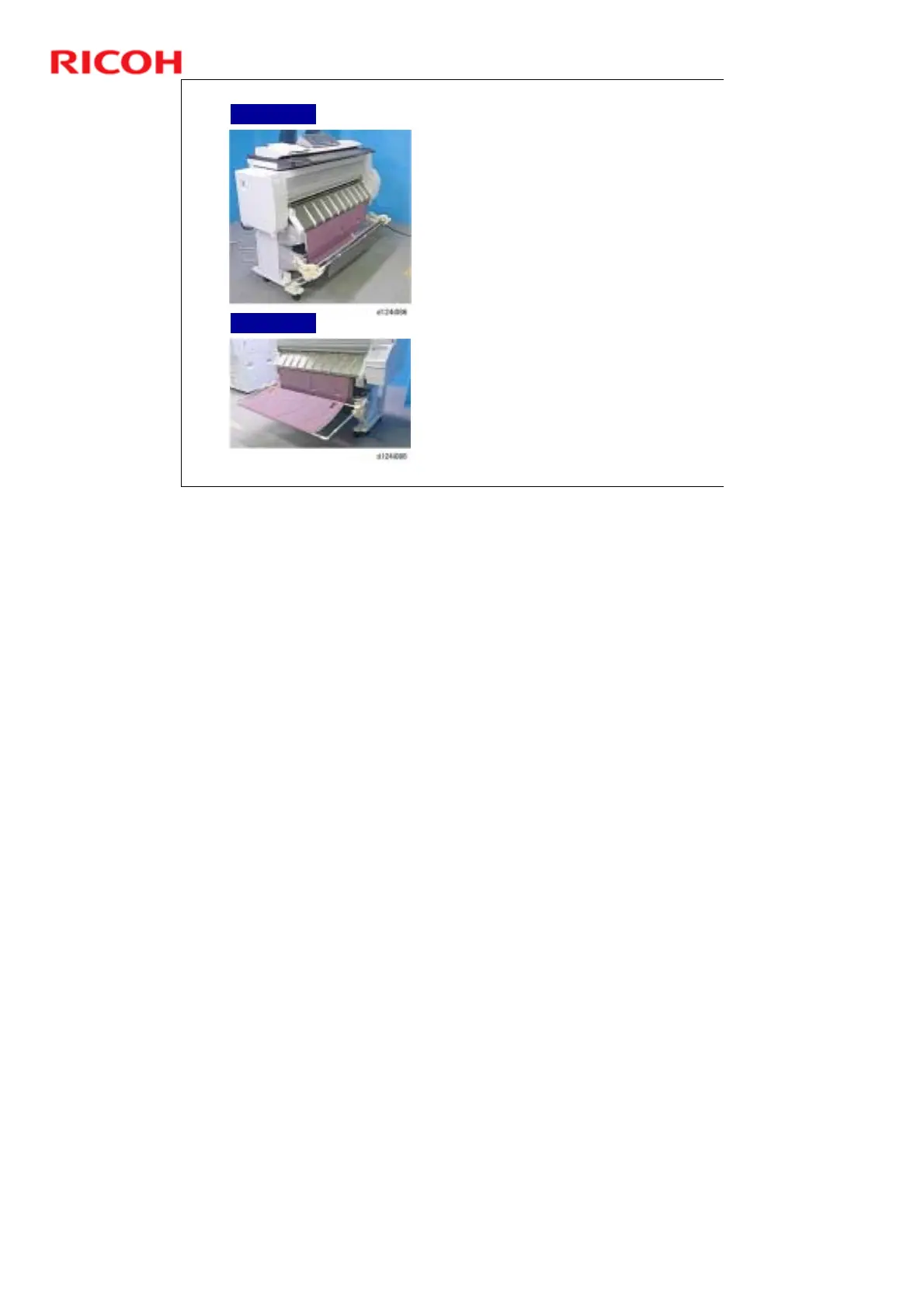
Exit Stacker
The exit stacker, attached to the
front of the machine, can have
two positions: Basket mode and
Stack mode
Basket Mode (for standard
sized paper). The exit stacker
is shortened so that the
stacker forms a small well to
hold the outputs.
Stack Mode (for A0 SEF/A1
LEF). The exit stacker is
extended to the front until it is
flat. It can hold up to 10
stacked sheets.
When using A1 SEF/A2 LEF
Paper, two wire guides can be
attached to the rear rod. It can
also hold up to 10 stacked
sheets.
See the Installation section of
the Field Service Manual.
After configuring the exit
stacker, always check the ends
of the rods to confirm that they
are set correctly.
Basket Mode
Stack Mode
Basket mode: Capacity depends on paper size. Here are some test results.
¾ A0 SEF: 2 sheets
¾ A1 SEF: 6 sheets



 To Next Page