30
MO-C1 Training
Slide 30
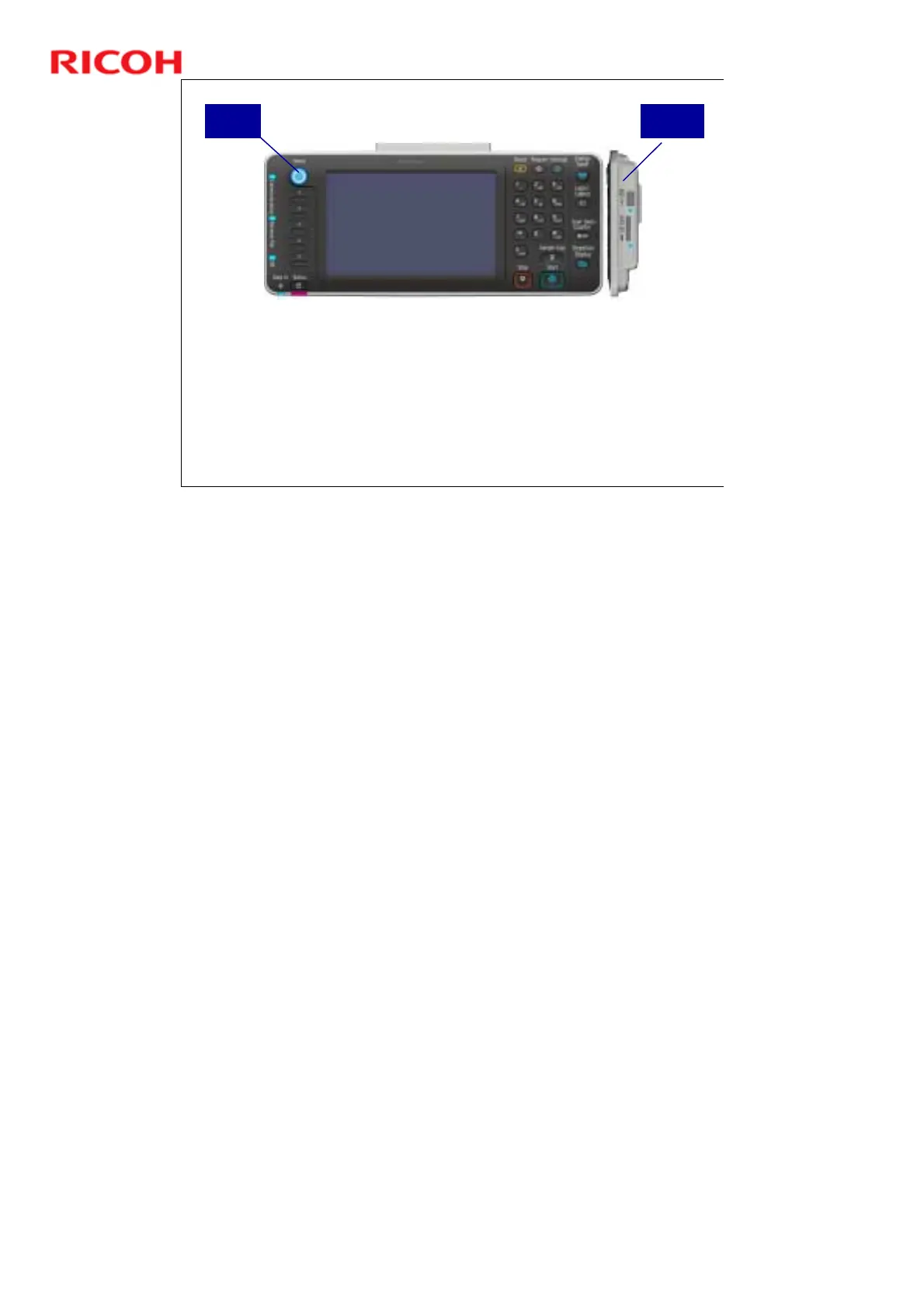
Operation Panel
The angle of the operation panel can be changed, as explained
earlier.
With the Home button, you can return to the home screen at any
time.
There are 5 function keys, which you can program with your own
designated functions.
There is an SD/USB slot on the right side of the panel.
You can scan to or print from an SD or USB device.
Home
Button
SD/USB
Slots
No additional notes



 To Next Page