416
MO-C1 Training
Slide 416
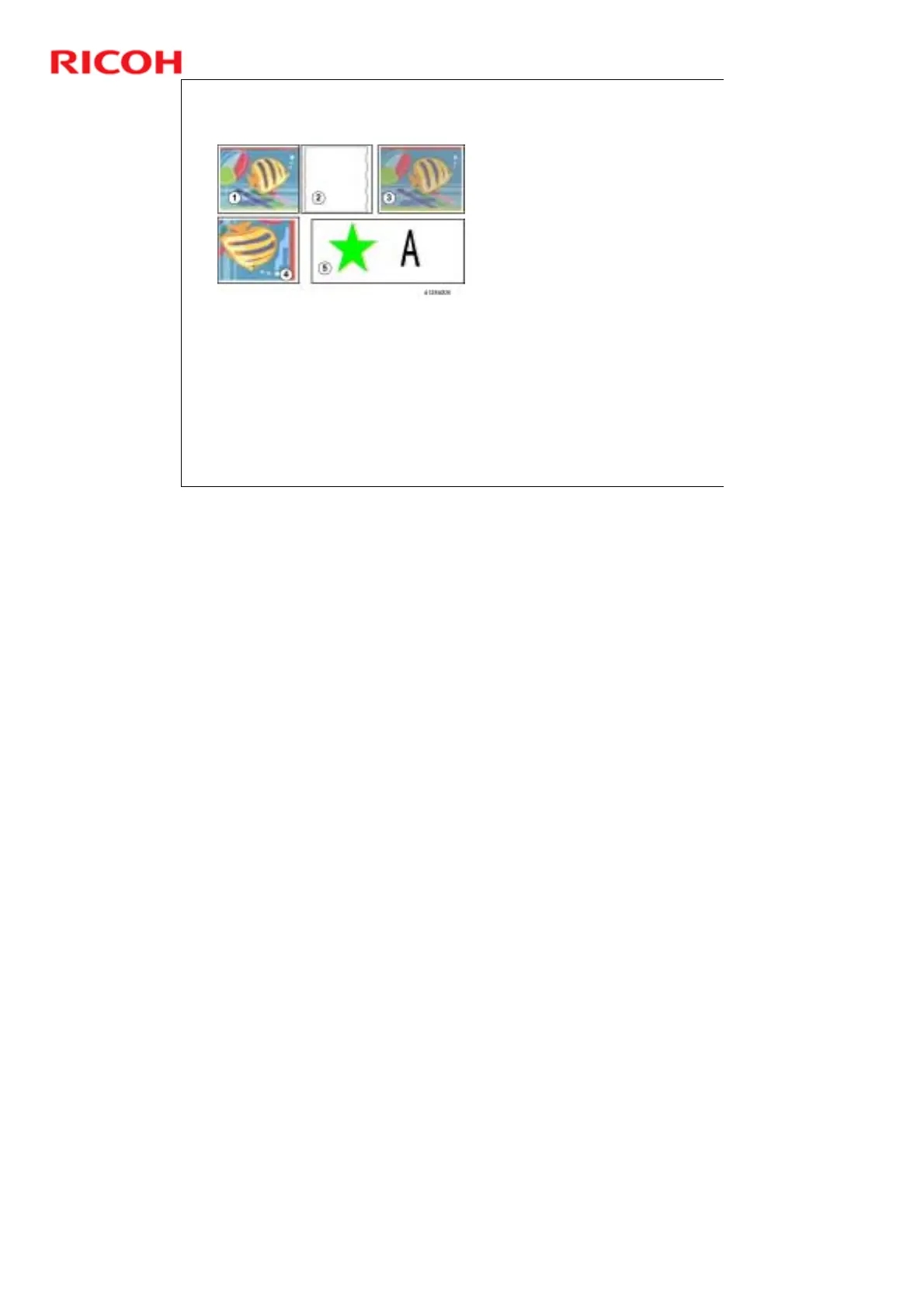
Poor Image Quality
Gap Adjustment: Make sure that the gap between the carriage
and the platen is correct for the type and thickness of the paper.
Print heads clogged: Clean the print head(s). Flush them if
necessary.
Paper feed is faulty: Do the Adjust Paper Feed Procedure
Horizontal Encoder Strip: Make sure it has been installed
correctly. Clean or replace if dirty or damaged.
(1) Image blurred
(2) Lines not straight
(3) Overall poor color quality
(4) Uneven density
(5) Double lines in graphics or text
No additional notes



 To Next Page